AI model
PixVerse C1 – social clips with sound.
PixVerse C1 makes affordable clips with sound – vertical for TikTok just as well as cinematic widescreen. In mawu.ai you use it without an account of your own and keep editing the result right away in the editor.
No credit card needed · starter credits included
Why mawu.ai
PixVerse C1 – easier than ever
Everything a great short video needs, in one studio.
- With soundPicture and sound come together from your prompt.
- Six formats9:16, 16:9, 1:1, 4:3, 3:4 and 21:9 – the right frame for every platform.
- 3 to 15 secondsFrom a short moment to a whole scene.
- 360p to 1080p360p and 540p for testing, 720p and 1080p for the finished clip.
How it works
A finished video in three steps
- 1
Choose PixVerse C1
Pick the model in AI Mode. With a start frame, the image decides the format.
- 2
Describe the scene and sound
What happens, how the camera moves and what you hear – all in one prompt.
- 3
Create clip
3 to 15 seconds at 360p to 1080p – then on in the editor.
Templates
Start with a ready-made template
Real results from mawu, each with the prompt it was made with – one click and you start with it.
Golden Night
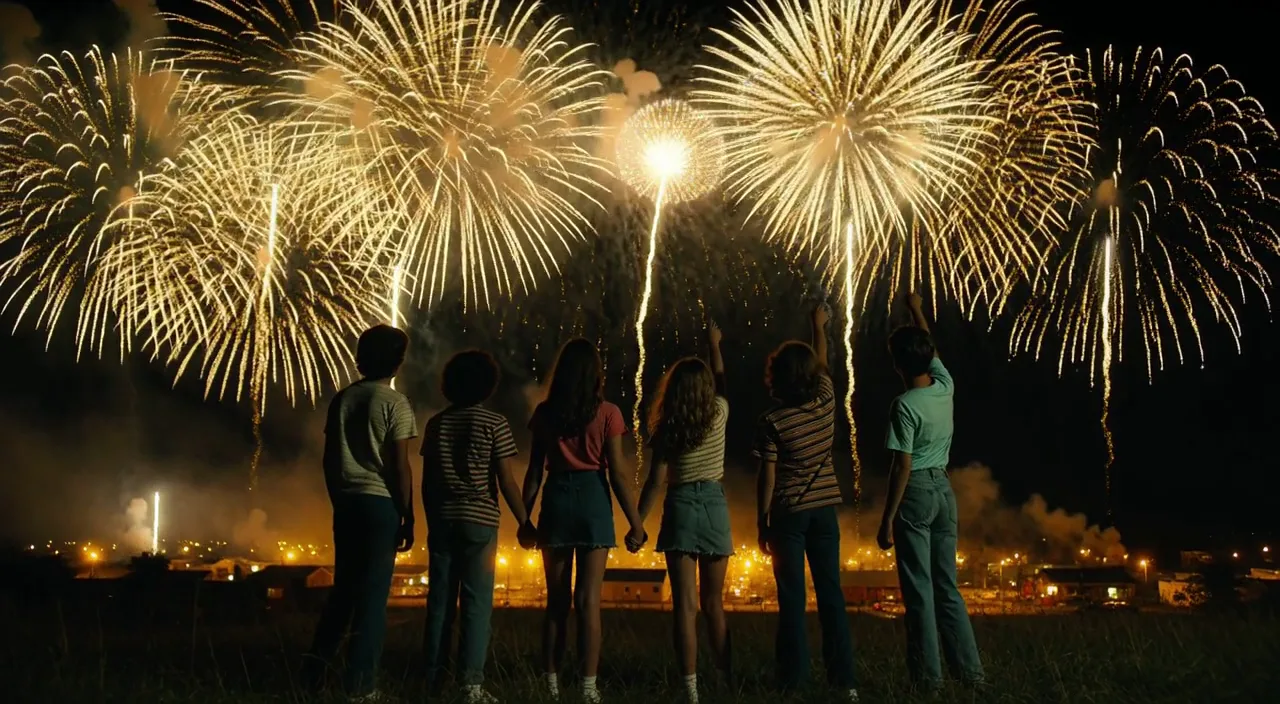 Clip
“Cinematic widescreen night shot, photoreal, 1980s small town summer, 35 mm anamorphic film look with soft grain. Six teenagers in retro 80s clothes, striped t-shirts, denim and sneakers, seen from behind and in side silhouette, stand on a dark grassy hill; two of them hold hands, one points up at the sky. Huge golden-yellow fireworks burst across the black sky and slowly rain down glittering gold sparks. Far below, a small town glows in warm yellow light under low golden smoke. Yellow and gold are the only accent colours, deep blue-black shadows, no red anywhere. Slow steady camera push-in towards the group, gentle wind in the grass, fireworks flashing light over their backs. Soft distant firework booms and crickets. No text, no logos, no titles.”
Car Edit
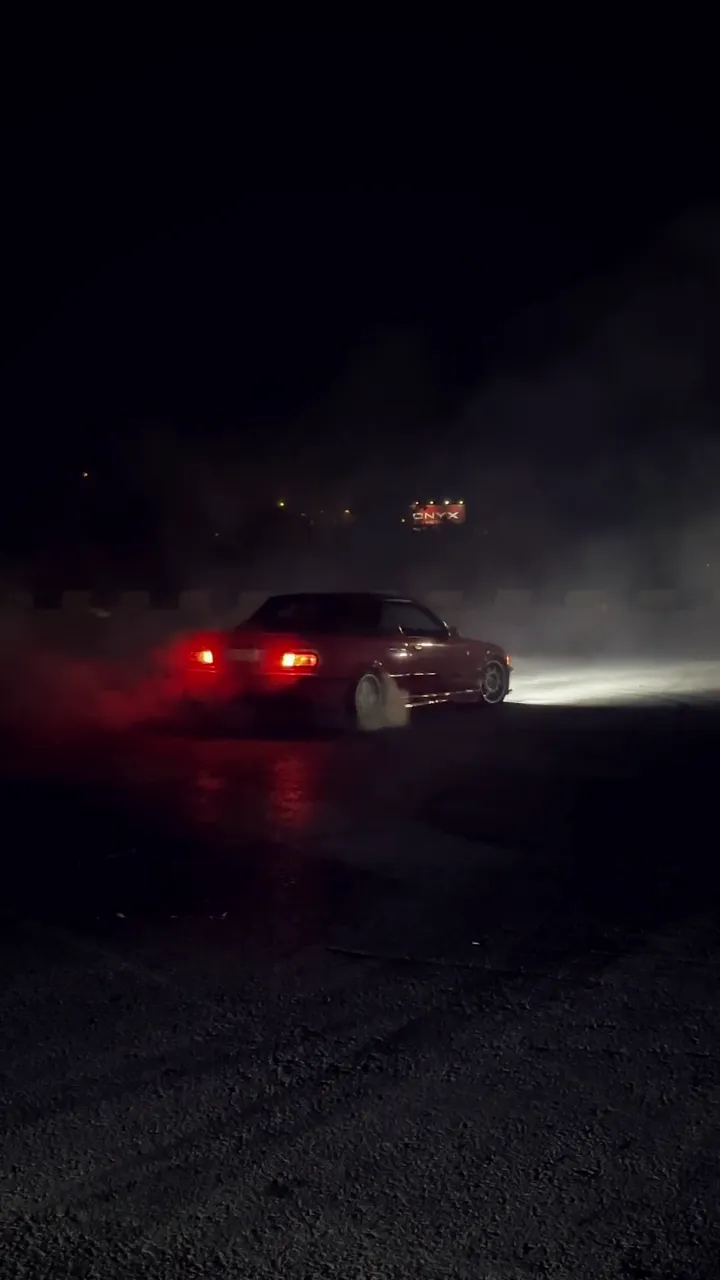 Stock
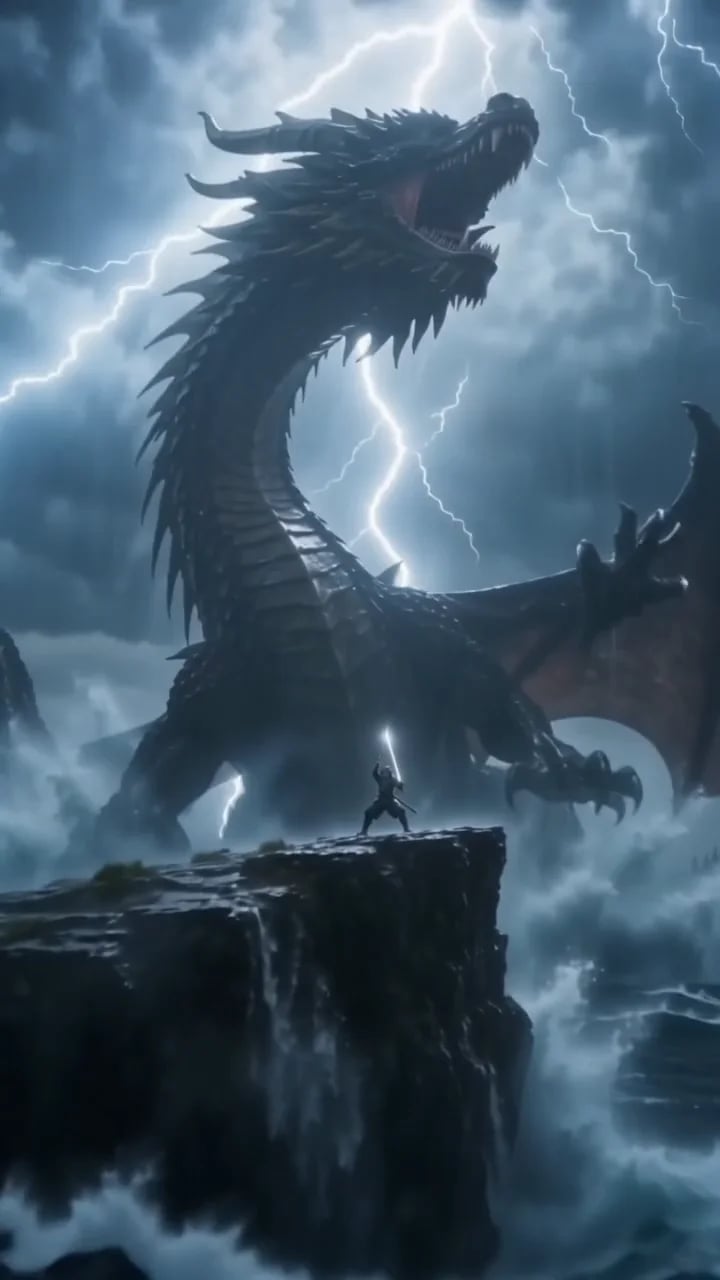
Samurai vs. dragon
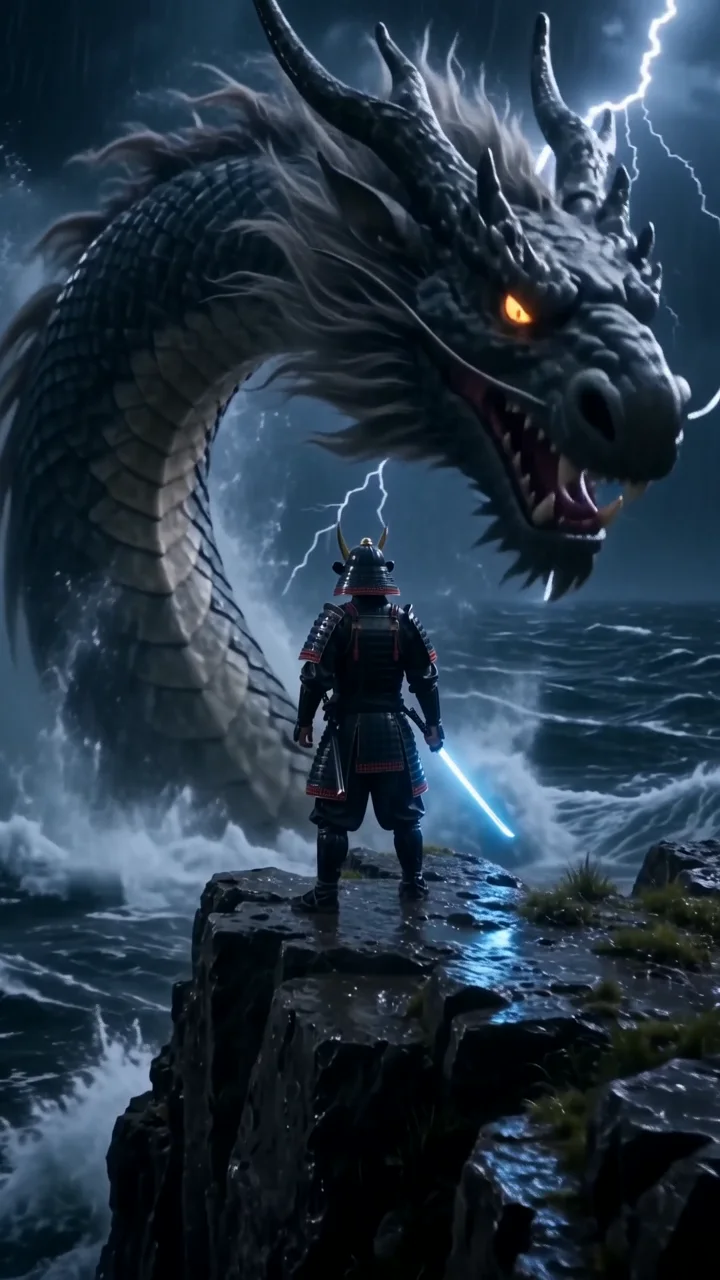 Clip
“Cinematic 35 mm film shot, vertical. A lone samurai in rain-soaked black armor stands on a storm-lashed cliff at night while a colossal ancient dragon rises out of the black ocean behind him, lightning tearing the sky apart and huge waves exploding against the rocks. The camera rushes forward and whips around him as he slowly draws a glowing katana, looks straight into the lens and shouts: "Not today." Deafening thunder, roaring waves, the dragon's low growl, rising orchestral percussion. Hyper-detailed, dramatic rim light. No text, no subtitles, no logos.”
Japan in 30 seconds
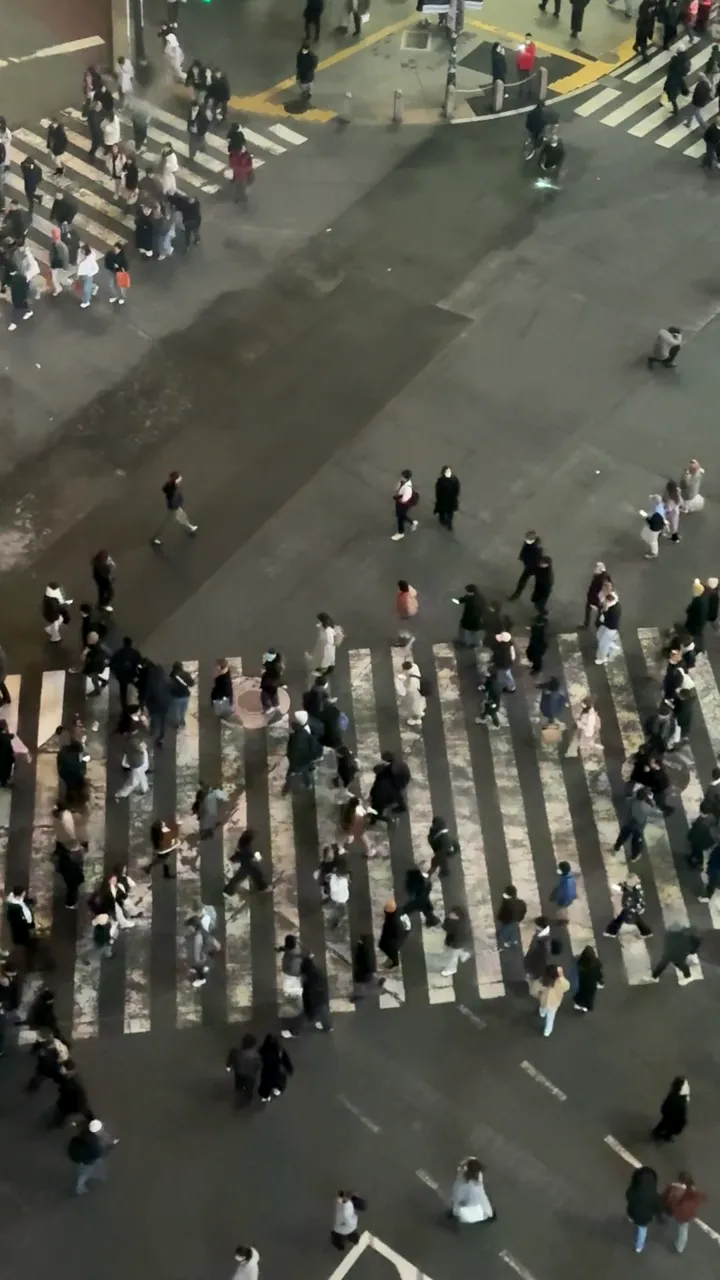 Stock
Samurai trailer
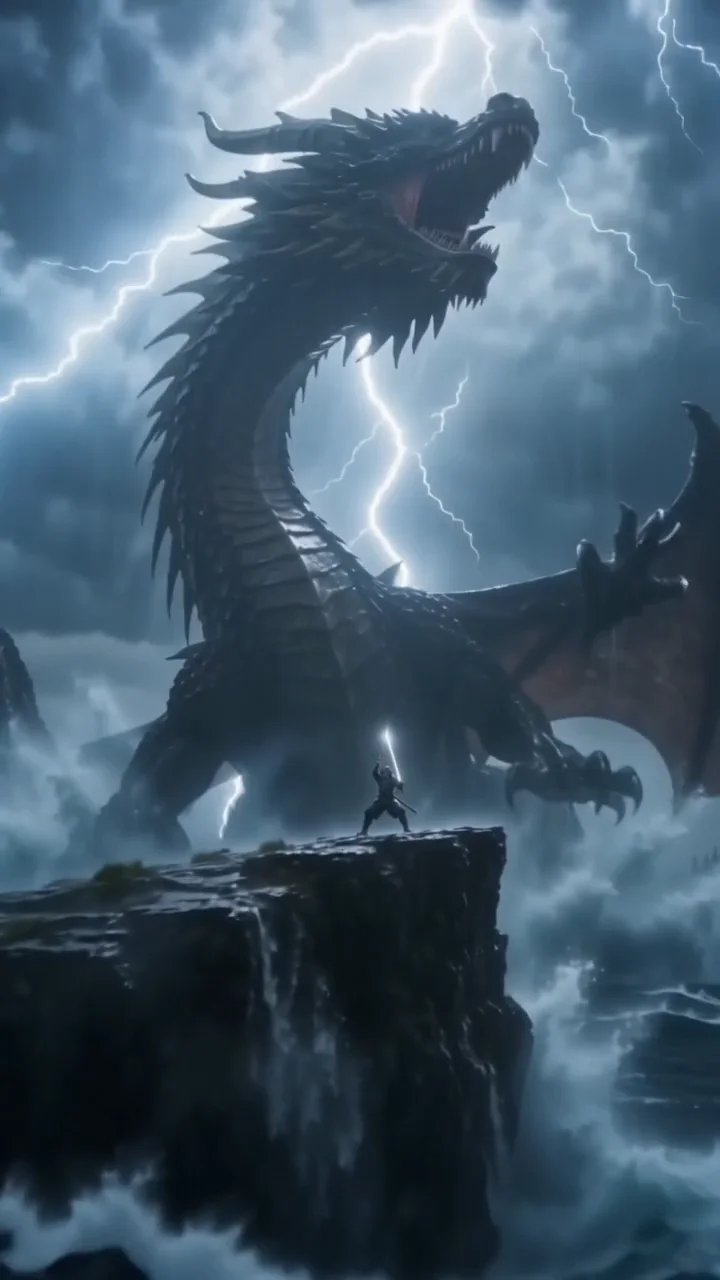 Clip
“Cinematic 35 mm film shot, vertical. A lone samurai in rain-soaked black armor stands on a storm-lashed cliff at night while a colossal ancient dragon rises out of the black ocean behind him, lightning tearing the sky apart and huge waves exploding against the rocks. The camera rushes forward and whips around him as he slowly draws a glowing katana, looks straight into the lens and shouts: "Not today." Deafening thunder, roaring waves, the dragon's low growl, rising orchestral percussion. Hyper-detailed, dramatic rim light. No text, no subtitles, no logos.”
Gym Edit
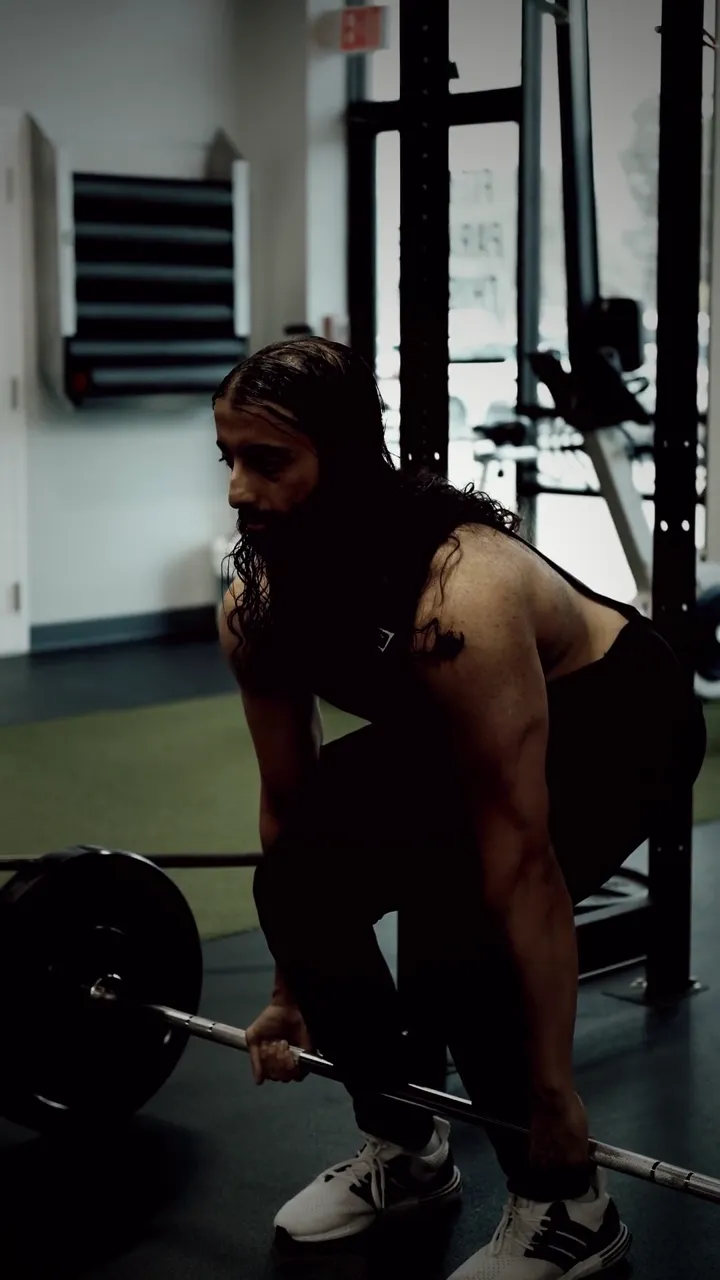 Stock
Muscle influencer dancing
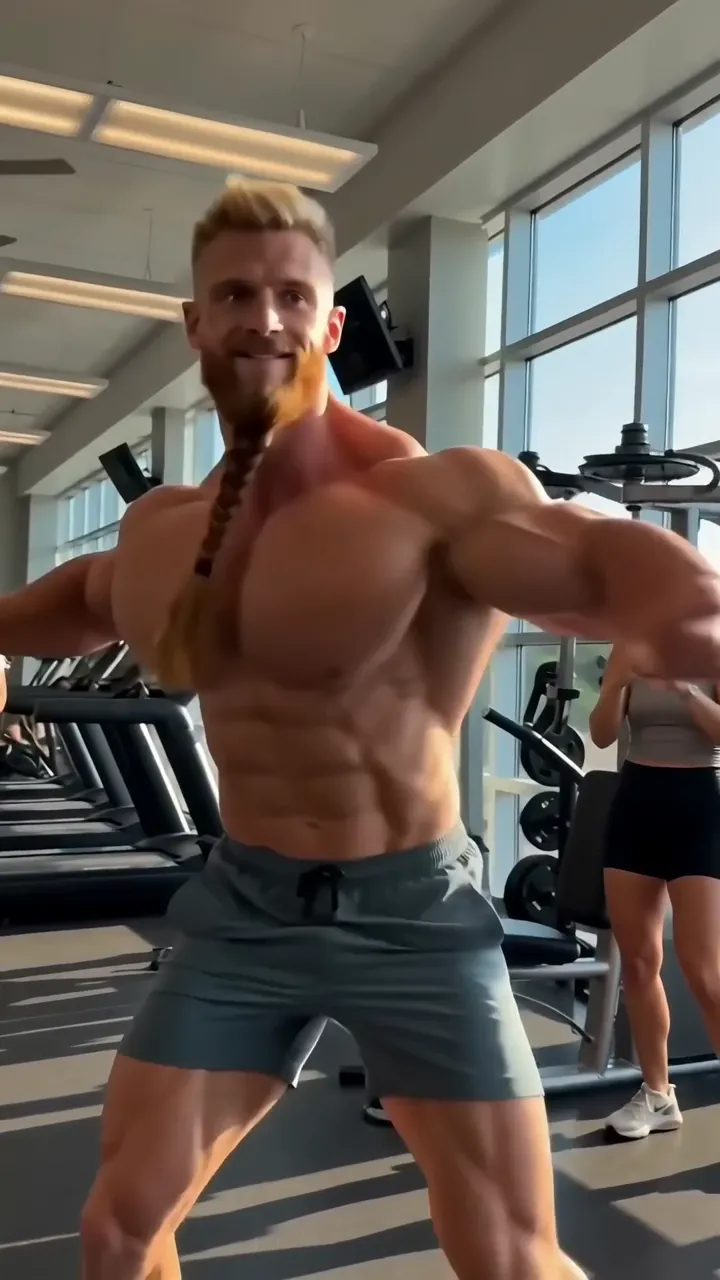 Clip
“Funny viral trend clip: an over-the-top fitness influencer with absurdly huge cartoonish muscles, a very long neck and a long braided beard dances with full confidence in a sunny gym, doing a goofy hip-hop dance with chest bounces and a spin, perfectly on the beat, gym members in the background laugh and film him on their phones. Photorealistic but exaggerated proportions, bright light, handheld phone camera that bounces along. Sound: a catchy upbeat hip-hop beat with a heavy bass drop, sneakers squeaking, people laughing. No text, no logos, unbranded clothes.”
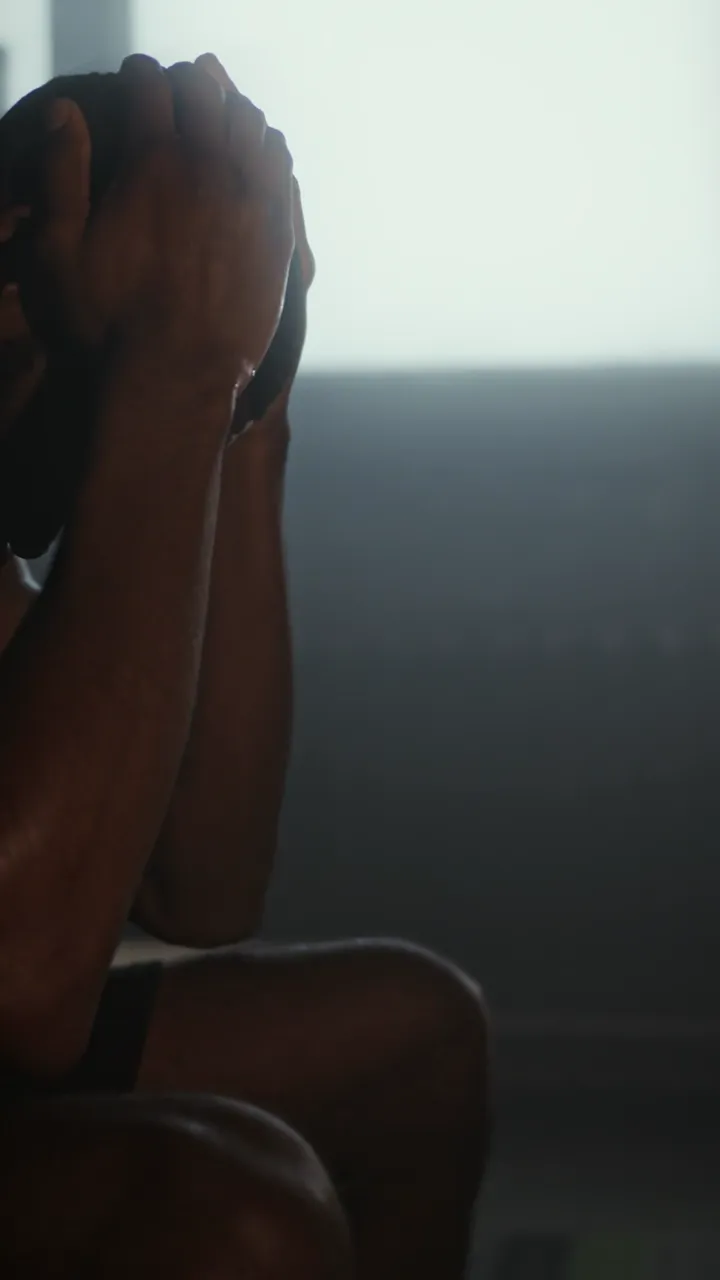
Discipline beats motivation
 Stock
FAQ
Frequently asked questions
Do I need my own PixVerse account?
No. mawu.ai connects PixVerse C1 directly; you pay with your credits.
What makes PixVerse C1 special?
The choice: six formats from 9:16 to 21:9 and four resolutions from 360p to 1080p – always with sound, at a small price.
What does a clip with PixVerse C1 cost?
The price depends on length and resolution. You see it on the button before you start – only a finished clip is charged.
Can I use my own images?
Yes, as a start frame – it then sets the format. PixVerse C1 doesn't take an end frame or reference images.
Can I turn the sound off?
At mawu, PixVerse C1 always makes sound. If you choose “No sound”, the clip stays silent and you lay music or a voice under it in the editor.
Can I use the clips commercially?
Yes, the clips are yours and you can use them in your videos, ads and posts.
Your next video is one sentence away.
Start for free – with starter credits, all templates and over 3,900 elements.