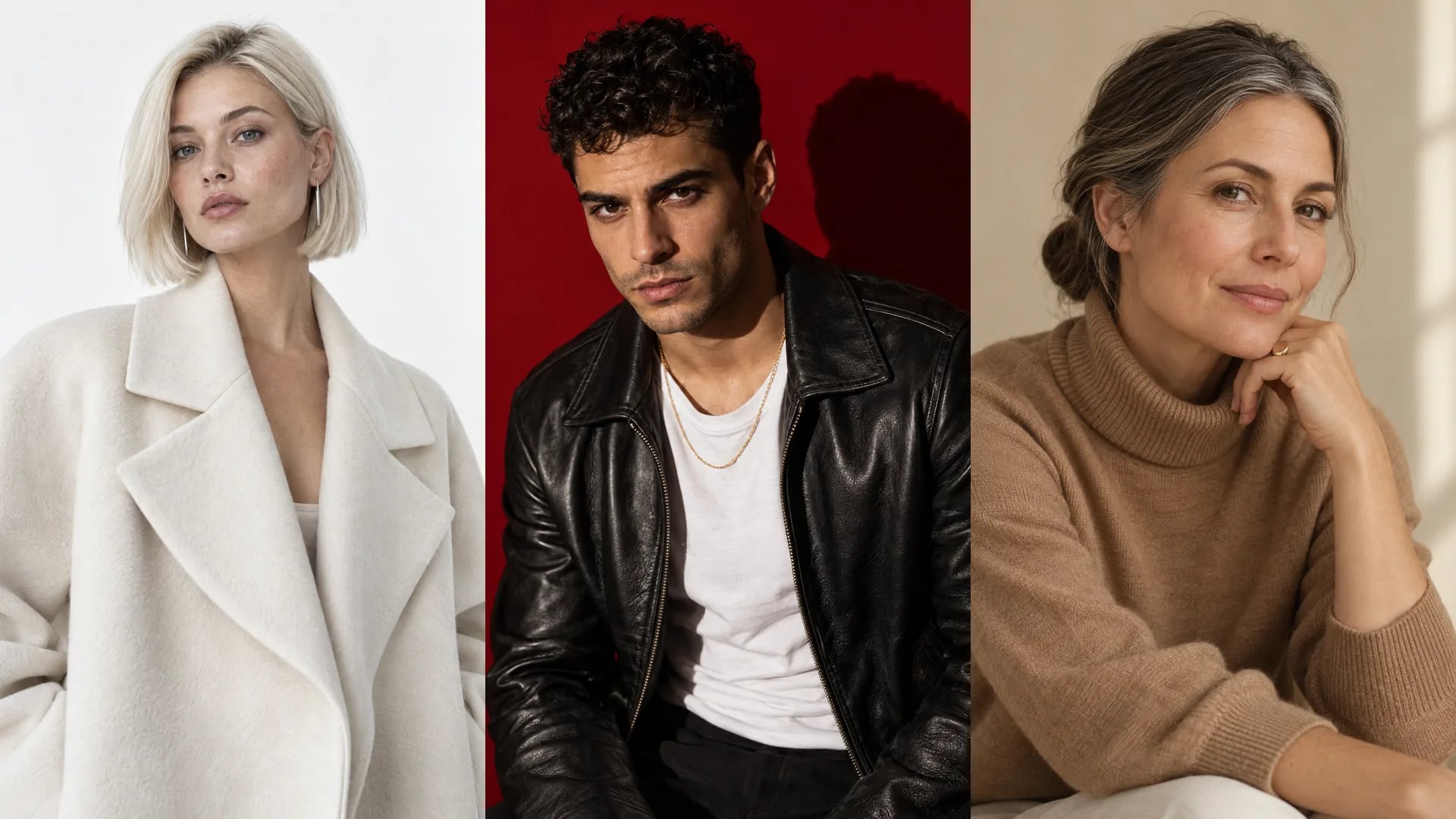
为什么选择 mawu.ai
AI 图片生成器 – 前所未有地简单
一条出色短视频所需的一切,尽在一个工作室。
- 一次最多 4 张一次生成多个版本,从中挑出最好的。
- 支持参考图你的角色、你的产品、你的风格:参考图让一切保持统一。
- 透明背景PNG无背景抠图,可直接用于缩略图和编辑器。
- 任意画幅9:16、16:9 或 1:1,可选标准或高清画质。
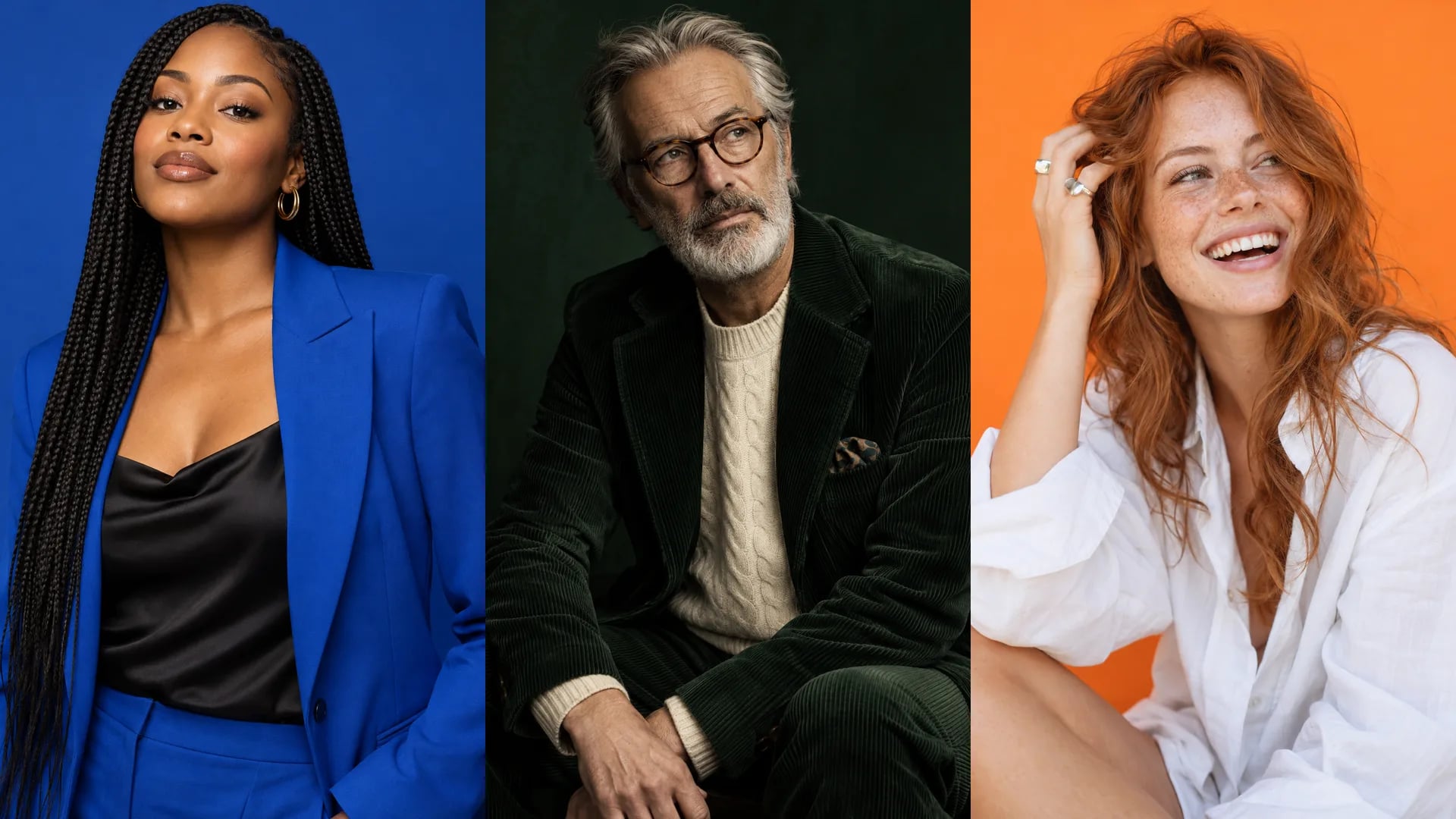 AI 图片生成器
使用方法
三步完成视频
 1
描述图片
一句话说清主体、风格和光线,也可以借助提示词助手。
 2
选择画幅
设置画幅、数量和画质,也可按需添加参考图。
 3
使用
下载保存、放入编辑器,或让它动起来变成视频。
模板
从现成模板开始
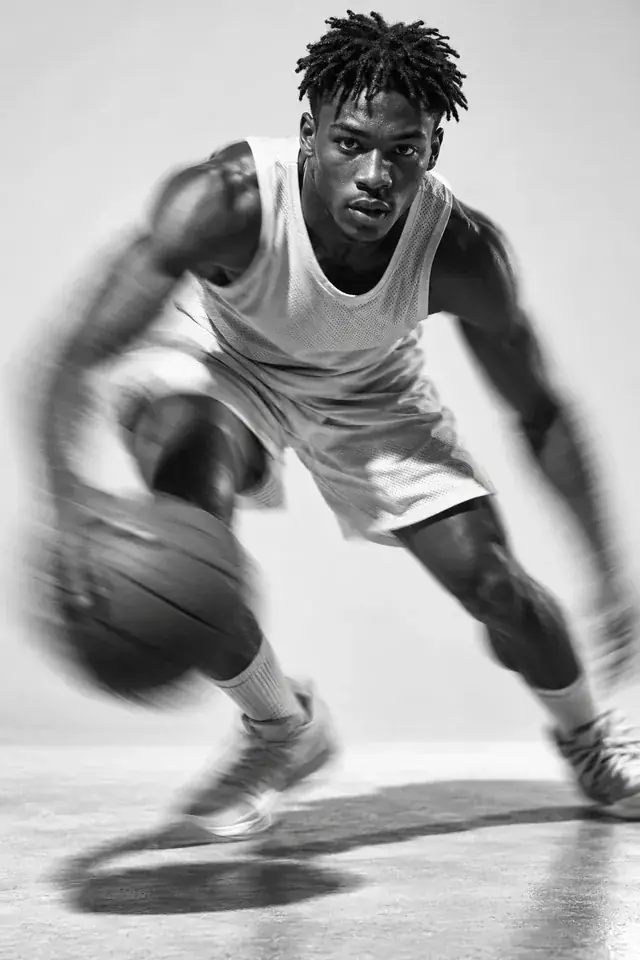
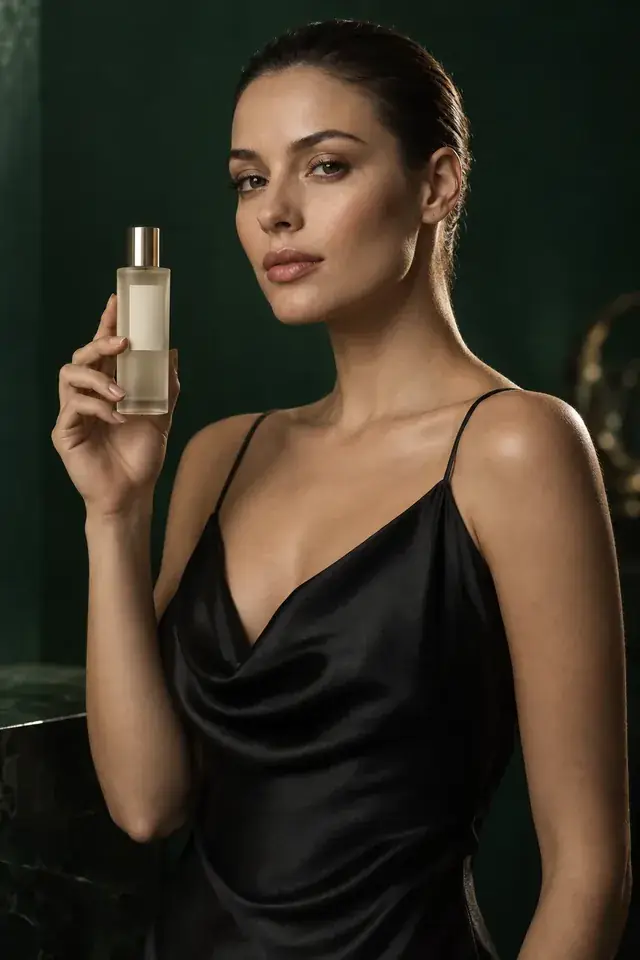
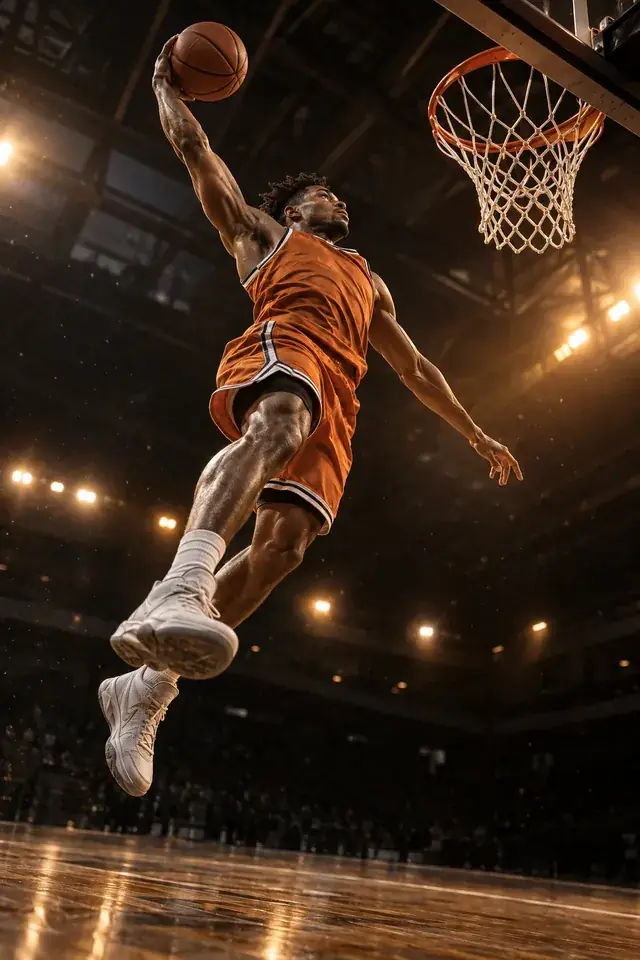
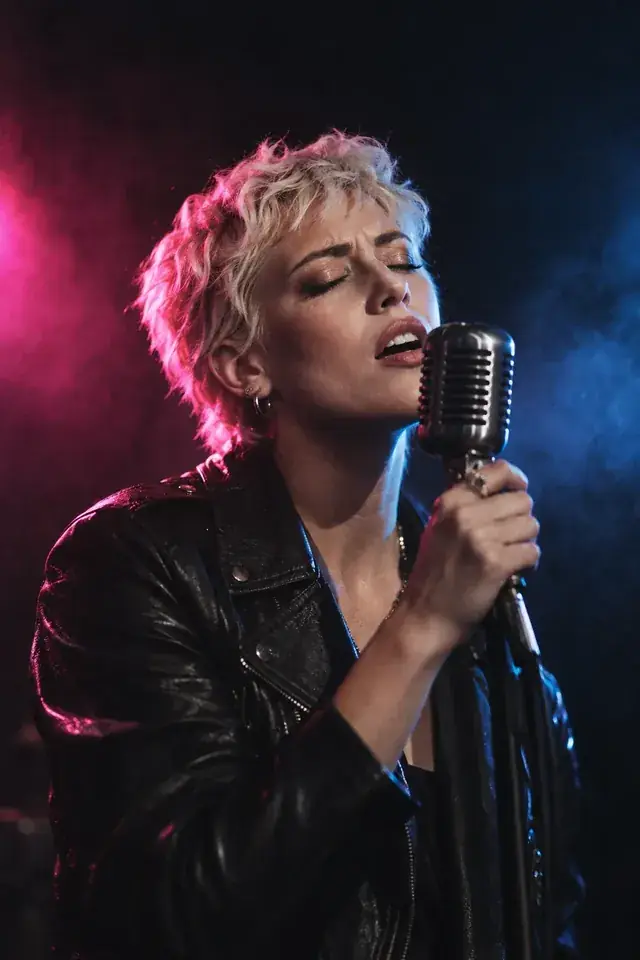
全部出自mawu的真实成果,每一件都附上当时所用的提示词——一键即可开始创作。
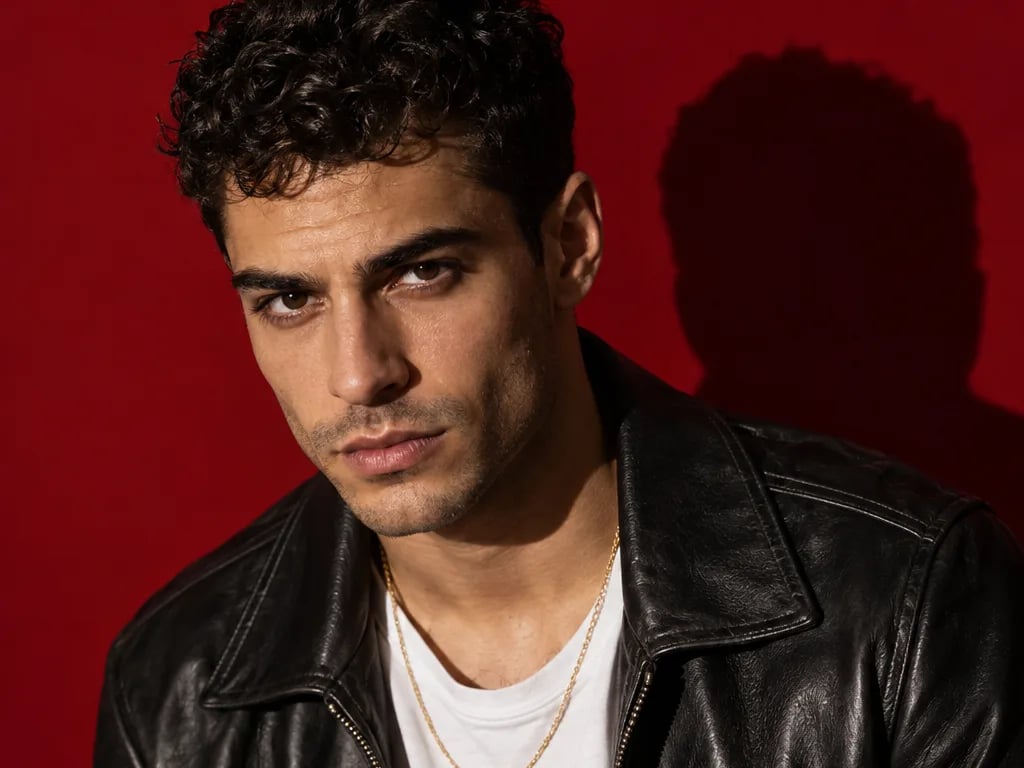
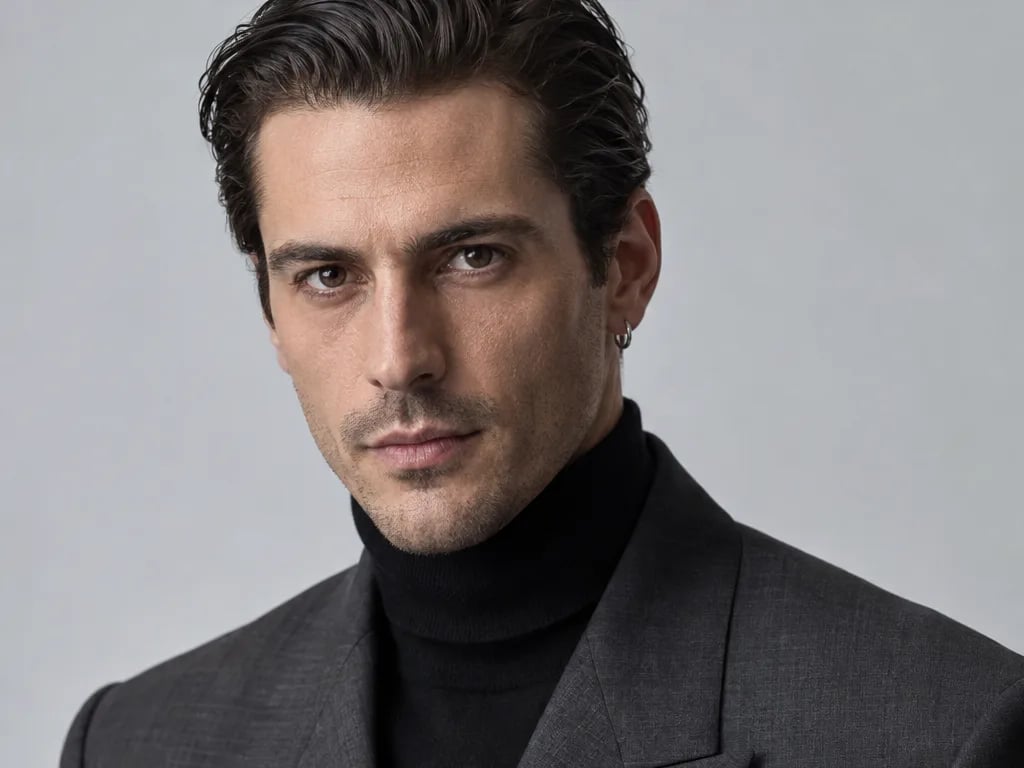
时装广告
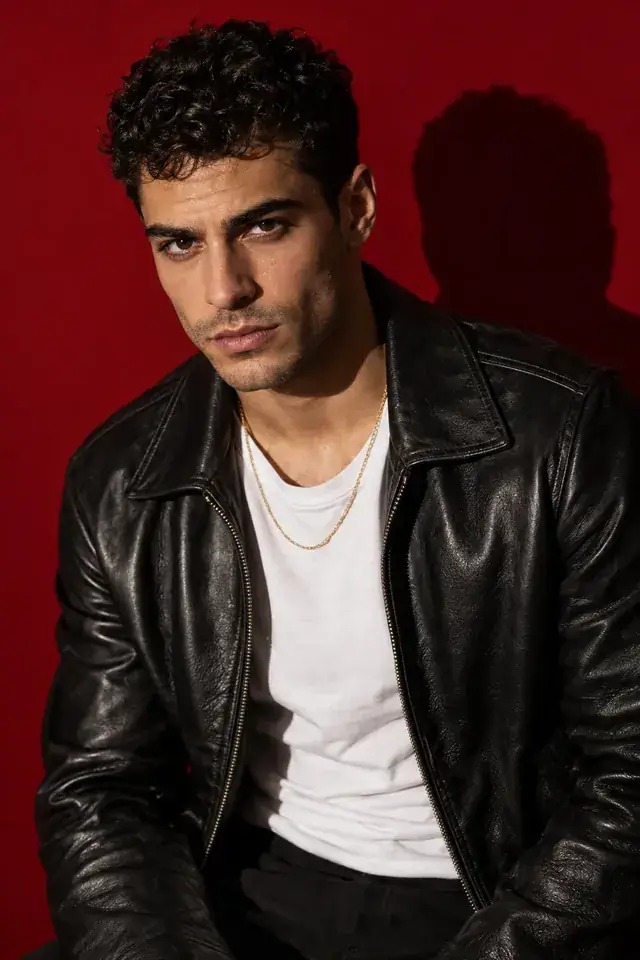 图片
“Bold fashion portrait of a man with short black curls and a thin gold chain, wearing a black leather jacket over a white T-shirt, posed against a deep cherry-red seamless backdrop. Hard key light from the left, crisp shadow on the wall, intense look into the lens. Shot on 50mm, rich colours, editorial campaign style.”
街头潮流大片
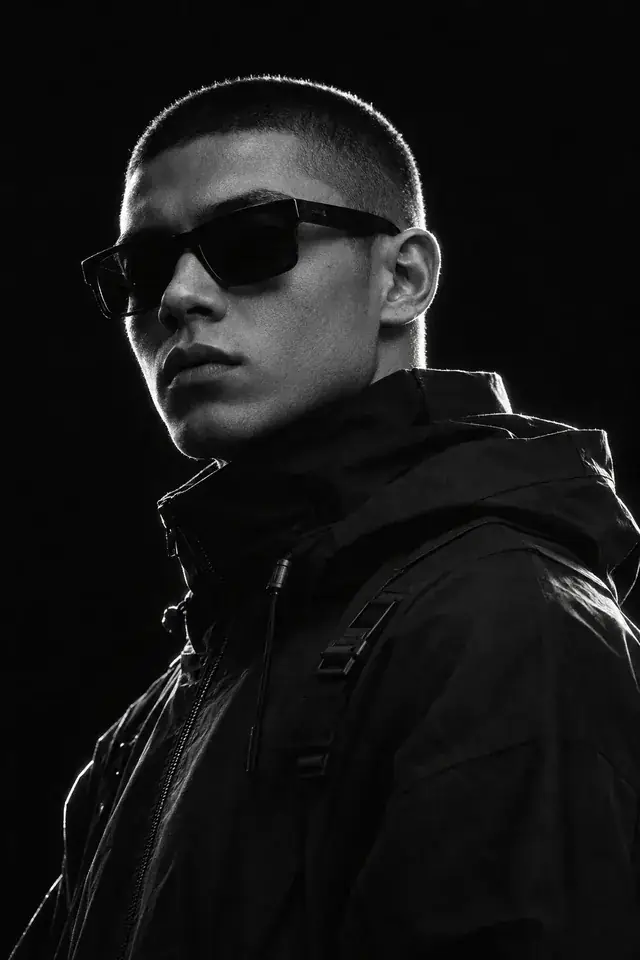 图片
“Monochrome close portrait of a young man with a buzz cut and dark rectangular sunglasses, wearing a high-collar black technical jacket, against a pure black background. Strong white rim light outlining his head and shoulders, face partly in shadow. Fine film grain, crisp optics, modern streetwear editorial.”
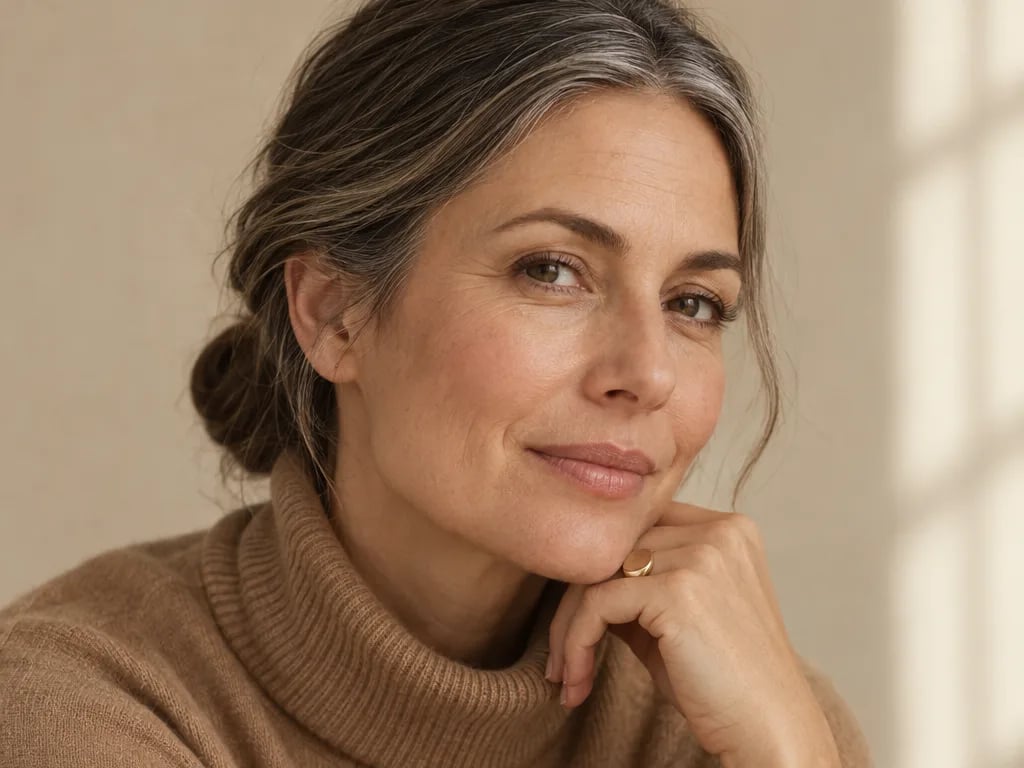
静奢风画册
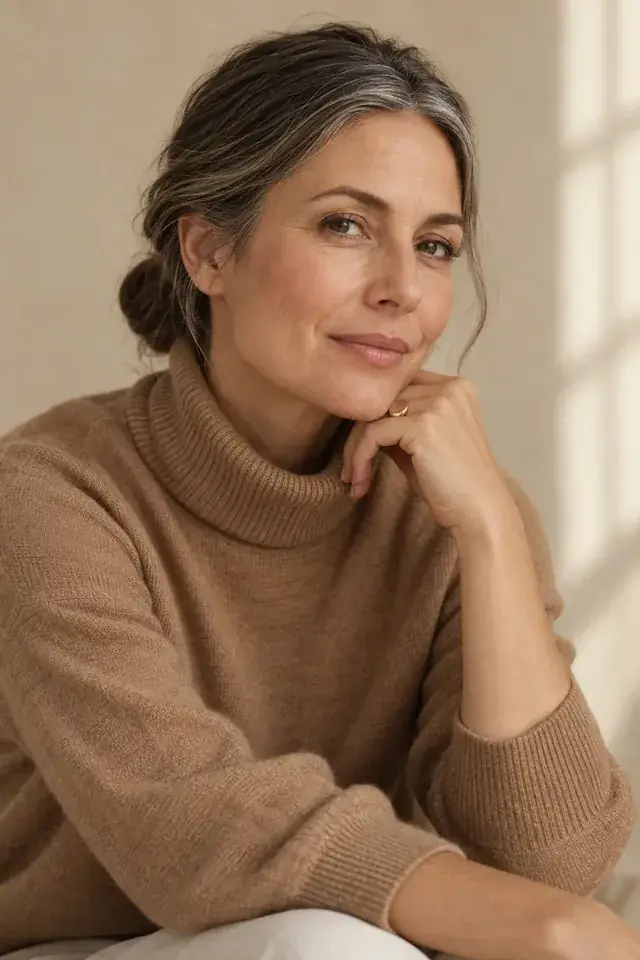 图片
“Warm editorial portrait of a woman in her forties with grey-streaked hair in a low bun, wearing a camel turtleneck and a gold signet ring, against a soft sand-beige studio wall. Window-like soft light from the right, relaxed elegant pose, real skin with fine lines. 85mm, quiet luxury catalogue look.”
常见问题
常见问题
图片由哪些模型生成?
OpenAI的GPT Image 2.6(Flare和Sunburst)、Google的Nano Banana 2.1以及ByteDance的Seedream 5.5。你可以选择标准或高清画质,使用Seedream 5.5还可选择3K。
这些图片可以商用吗?
可以。图片归你所有,可用于帖子、缩略图、广告和视频。
可以把图片做成视频吗?
可以。在 AI Mode 中,一键就能让任意图片动起来。
我的图片在哪里?
所有图片都会存入你的媒体库,并可立即在编辑器中使用。