Modelo de IA
Veo 3.1 – el vídeo con sonido de Google.
Veo 3.1 es el modelo de vídeo con sonido de Google: imagen, efectos y voces nacen juntos de un solo prompt. En mawu.ai lo usas sin cuenta propia y sigues editando el resultado directamente en el editor.
No hace falta tarjeta de crédito · créditos de inicio incluidos
Por qué mawu.ai
Veo 3.1 – más fácil que nunca
Todo lo que necesita un buen vídeo corto, en un solo estudio.
- Con sonidoEfectos, música y frases habladas, todo desde tu prompt y en el mismo clip.
- Fotograma inicial y finalDefine la primera y la última imagen: el clip lleva justo hasta allí.
- 4, 6 u 8 segundosClips cortos y precisos para planos individuales.
- Vertical y horizontal9:16 para TikTok, Reels y Shorts, 16:9 para YouTube, en 720p.
Así funciona
Un vídeo terminado en tres pasos
- 1
Elegir Veo 3.1
Elige el modelo en el AI Mode. Con una imagen inicial, la imagen decide el formato.
- 2
Describe la escena y el sonido
Qué pasa, cómo se mueve la cámara y qué se oye, todo en un prompt.
- 3
Crear el clip
4, 6 u 8 segundos en 720p; después, sigue en el editor.
Plantillas
Empieza con una plantilla lista
Resultados reales de mawu, cada uno con su prompt: un clic y empiezas con él.
Noche dorada
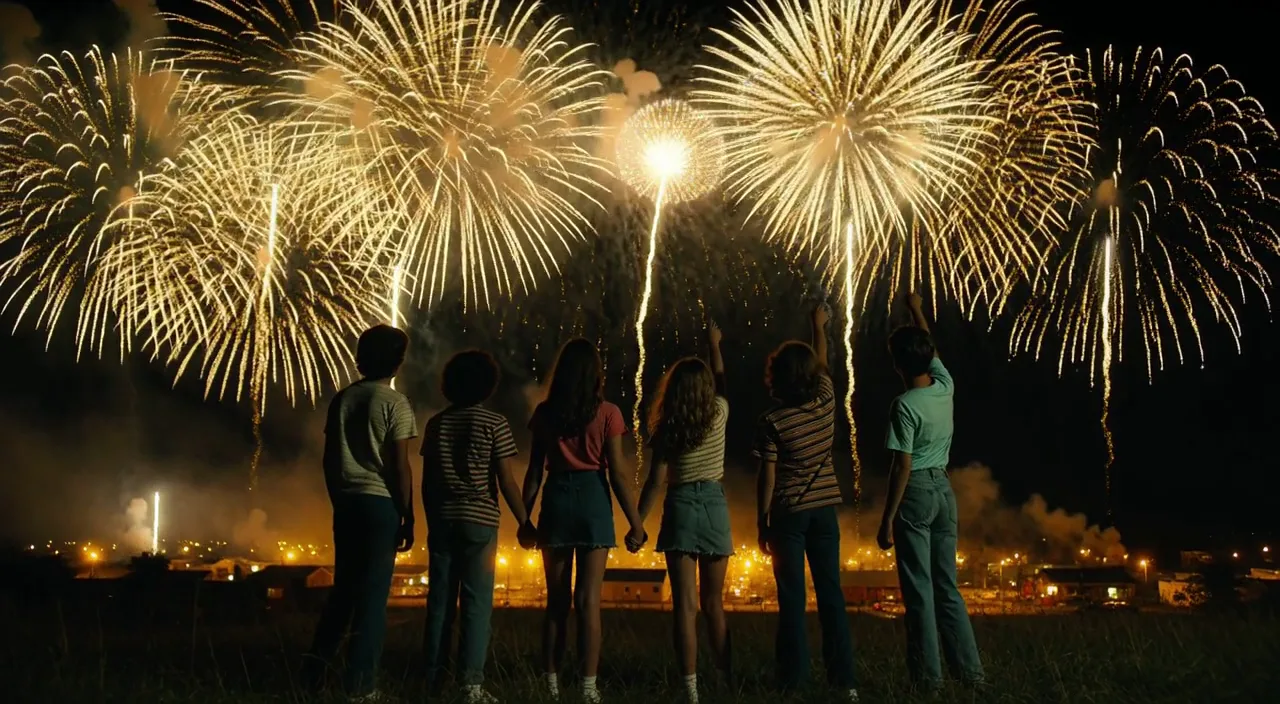 Clip
“Cinematic widescreen night shot, photoreal, 1980s small town summer, 35 mm anamorphic film look with soft grain. Six teenagers in retro 80s clothes, striped t-shirts, denim and sneakers, seen from behind and in side silhouette, stand on a dark grassy hill; two of them hold hands, one points up at the sky. Huge golden-yellow fireworks burst across the black sky and slowly rain down glittering gold sparks. Far below, a small town glows in warm yellow light under low golden smoke. Yellow and gold are the only accent colours, deep blue-black shadows, no red anywhere. Slow steady camera push-in towards the group, gentle wind in the grass, fireworks flashing light over their backs. Soft distant firework booms and crickets. No text, no logos, no titles.”
Car Edit
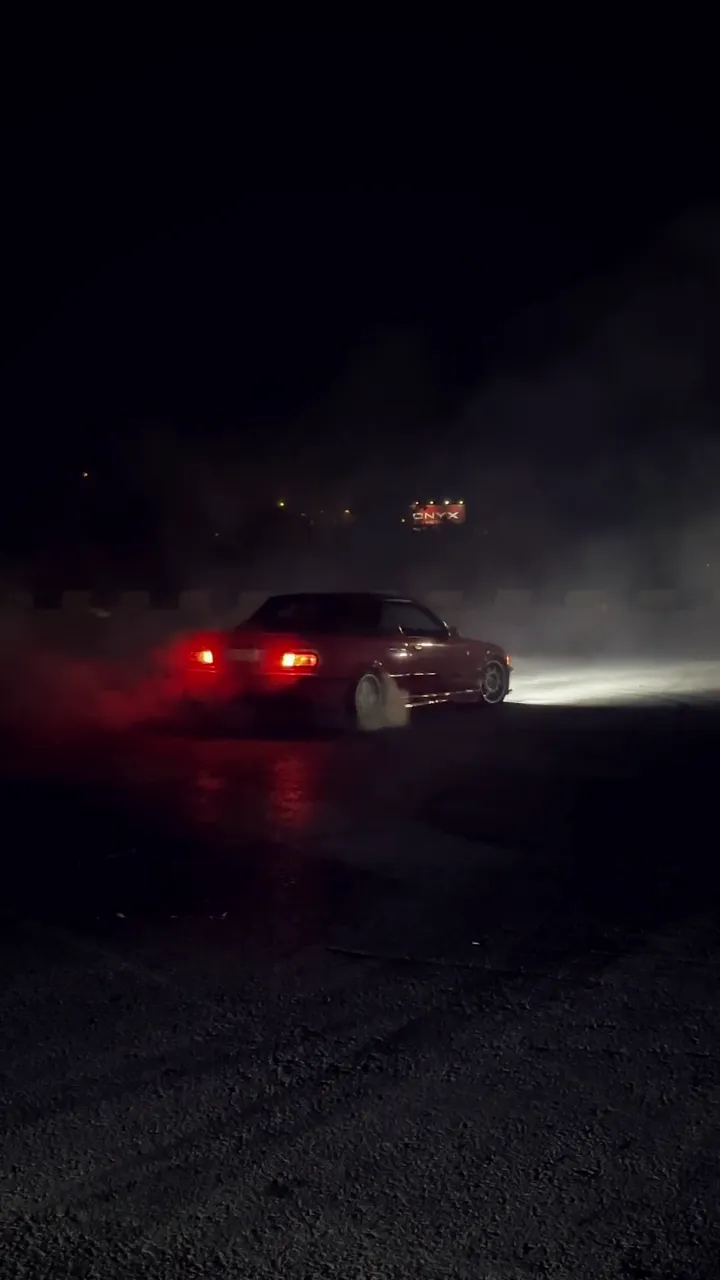 Stock
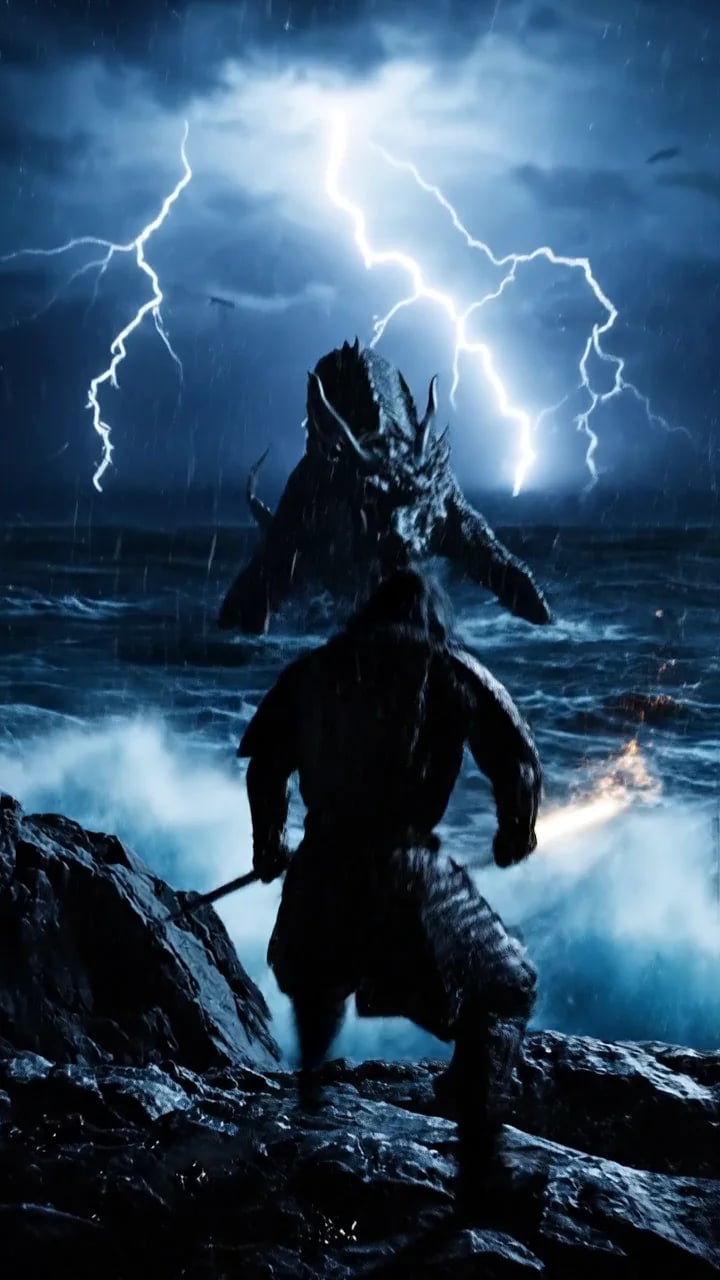
Samurái contra dragón
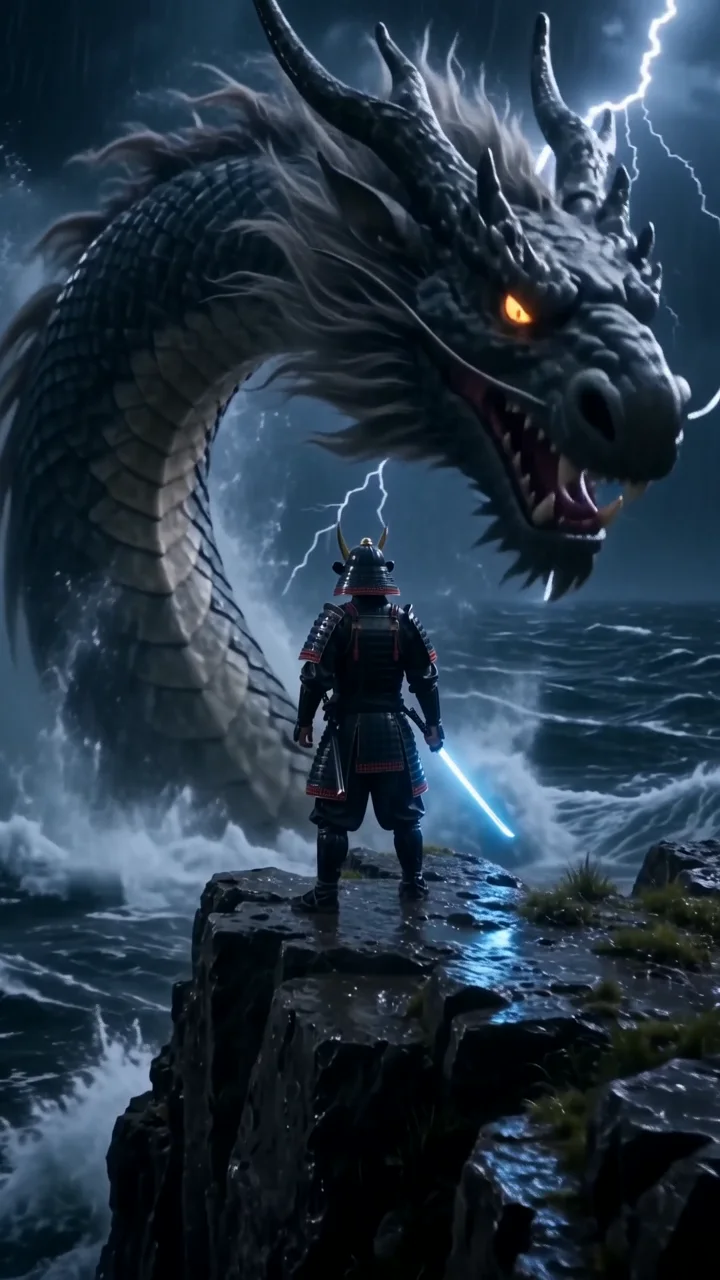 Clip
“Cinematic 35 mm film shot, vertical. A lone samurai in rain-soaked black armor stands on a storm-lashed cliff at night while a colossal ancient dragon rises out of the black ocean behind him, lightning tearing the sky apart and huge waves exploding against the rocks. The camera rushes forward and whips around him as he slowly draws a glowing katana, looks straight into the lens and shouts: "Not today." Deafening thunder, roaring waves, the dragon's low growl, rising orchestral percussion. Hyper-detailed, dramatic rim light. No text, no subtitles, no logos.”
Japón en 30 segundos
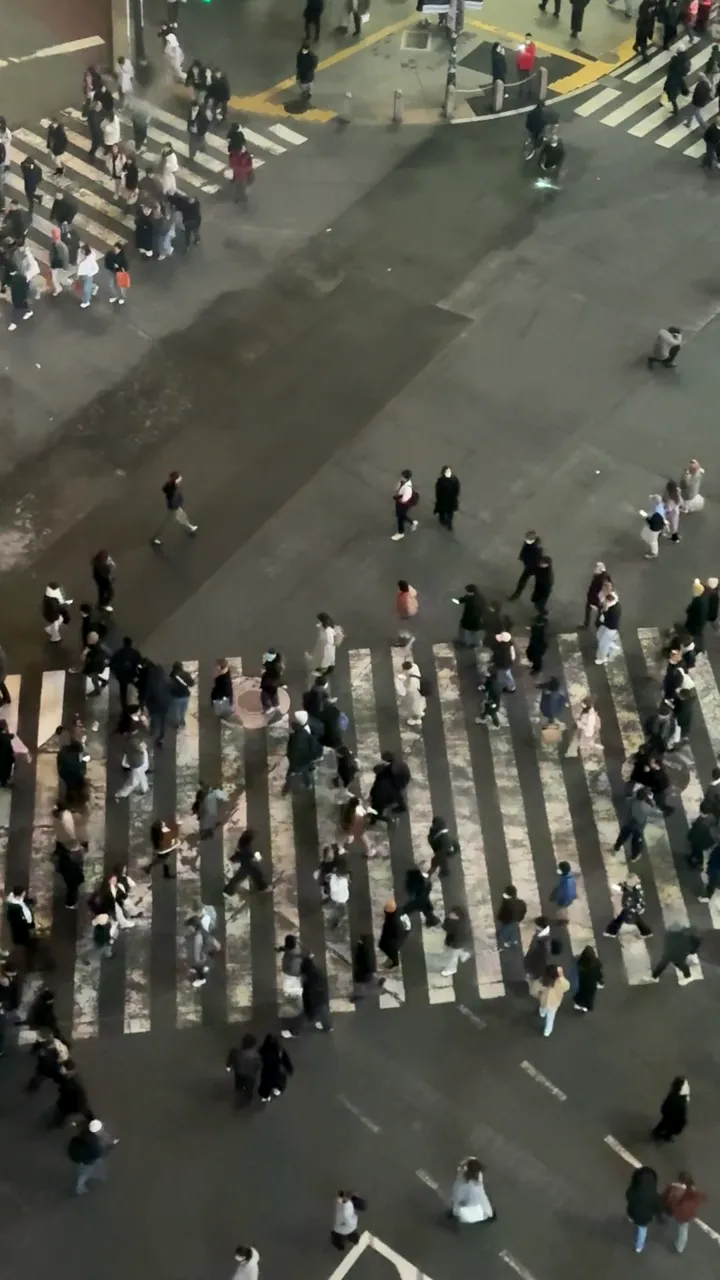 Stock
Tráiler de samurái
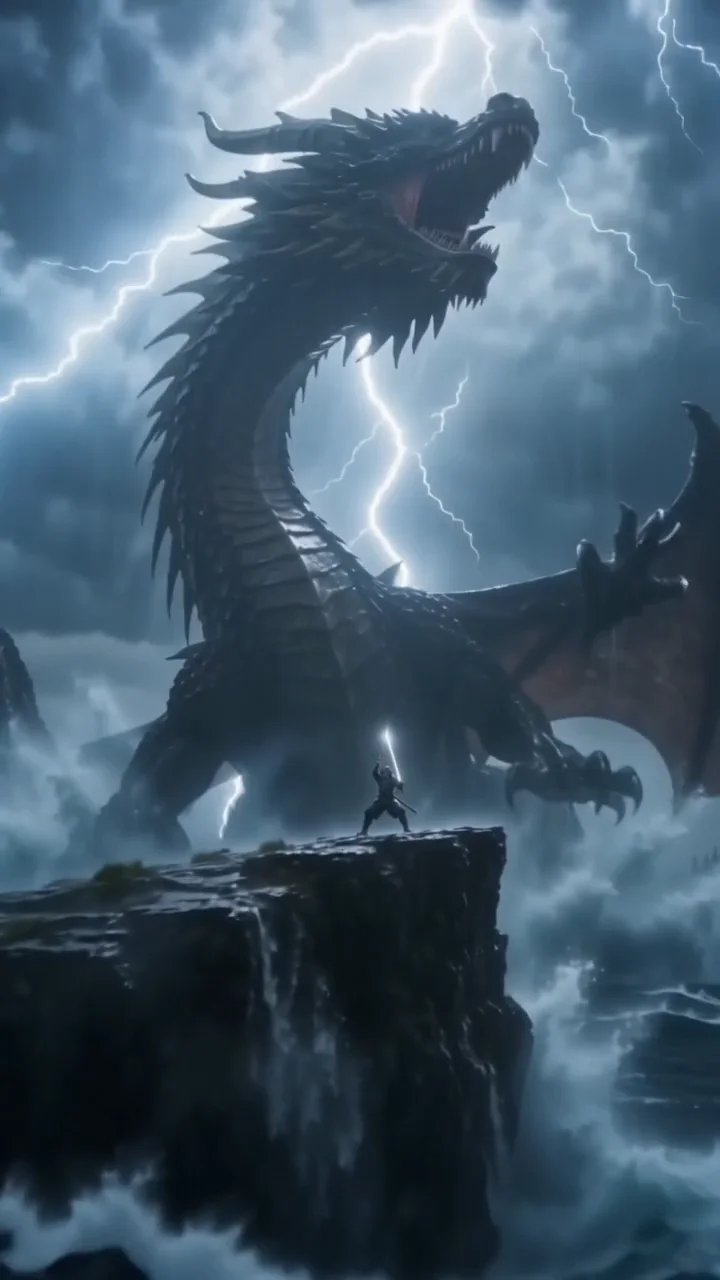 Clip
“Cinematic 35 mm film shot, vertical. A lone samurai in rain-soaked black armor stands on a storm-lashed cliff at night while a colossal ancient dragon rises out of the black ocean behind him, lightning tearing the sky apart and huge waves exploding against the rocks. The camera rushes forward and whips around him as he slowly draws a glowing katana, looks straight into the lens and shouts: "Not today." Deafening thunder, roaring waves, the dragon's low growl, rising orchestral percussion. Hyper-detailed, dramatic rim light. No text, no subtitles, no logos.”
Gym Edit
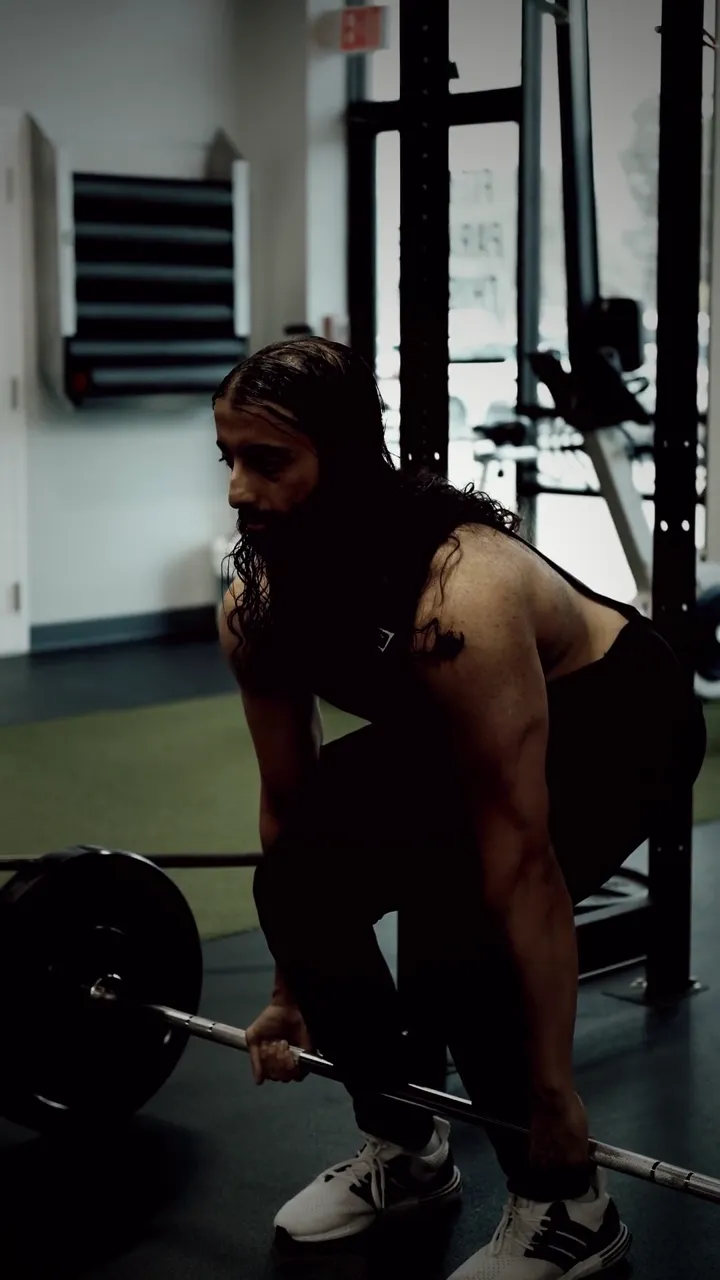 Stock
Influencer musculoso bailando
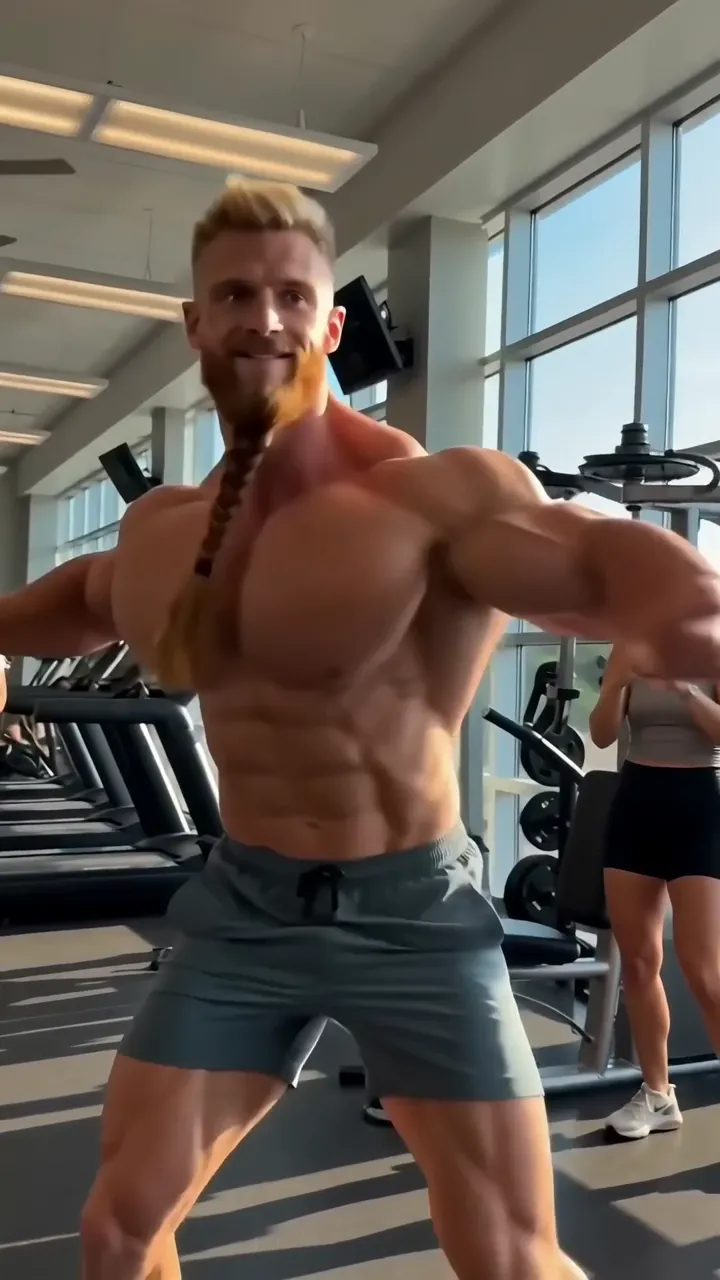 Clip
“Funny viral trend clip: an over-the-top fitness influencer with absurdly huge cartoonish muscles, a very long neck and a long braided beard dances with full confidence in a sunny gym, doing a goofy hip-hop dance with chest bounces and a spin, perfectly on the beat, gym members in the background laugh and film him on their phones. Photorealistic but exaggerated proportions, bright light, handheld phone camera that bounces along. Sound: a catchy upbeat hip-hop beat with a heavy bass drop, sneakers squeaking, people laughing. No text, no logos, unbranded clothes.”
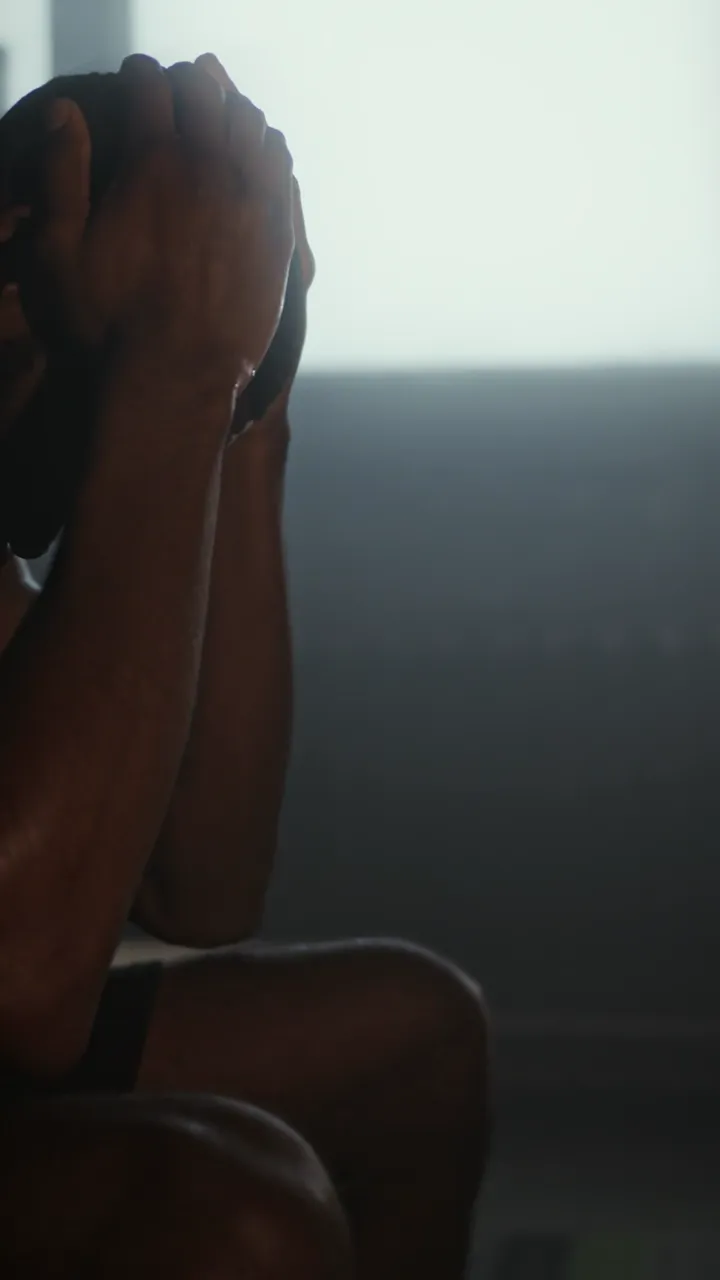
Disciplina antes que motivación
 Stock
Preguntas frecuentes
Preguntas frecuentes
¿Necesito una cuenta propia de Google?
No. mawu.ai integra Veo 3.1 directamente y pagas con tus créditos.
¿Qué tiene de especial Veo 3.1?
Imagen y sonido nacen juntos: describes efectos, música y voces en el prompt.
¿En qué se diferencia de Veo 3.1 Lite?
Veo 3.1 Lite es la versión más económica, también con sonido y en 720p, pero sin imagen final.
¿Cuánto cuesta un clip con Veo 3.1?
El precio depende de la duración. Lo ves en el botón antes de empezar y solo se cobra un clip terminado.
¿Puedo usar mis propias imágenes?
Sí, como imagen inicial o como imagen inicial y final. Con imagen inicial, el clip adopta su formato.
¿Puedo usar los clips comercialmente?
Sí, los clips son tuyos y puedes usarlos en tus vídeos, anuncios y publicaciones.
Tu próximo vídeo está a una frase de distancia.
Empieza gratis, con créditos de inicio, todas las plantillas y más de 3.900 elementos.