KI-Modell
Veo 3.1 – Googles Video mit Ton.
Veo 3.1 ist Googles Videomodell mit Ton: Bild, Geräusche und Stimmen entstehen zusammen aus einem Prompt. In mawu.ai nutzt du es ohne eigenen Zugang und schneidest das Ergebnis gleich im Editor weiter.
Keine Kreditkarte nötig · Start-Credits inklusive
Warum mawu.ai
Veo 3.1 – einfach wie nie
Alles, was ein gutes Kurzvideo braucht, in einem Studio.
- Mit TonGeräusche, Musik und gesprochene Sätze – alles aus deinem Prompt, im selben Clip.
- Start- und EndbildGib das erste und das letzte Bild vor – der Clip führt genau dorthin.
- 4, 6 oder 8 SekundenKurze, präzise Clips für einzelne Einstellungen.
- Hochformat und Querformat9:16 für TikTok, Reels und Shorts, 16:9 für YouTube – in 720p.
So funktioniert's
In drei Schritten zum fertigen Video
- 1
Veo 3.1 wählen
Im AI Mode das Modell auswählen. Mit einem Startbild bestimmt das Bild das Format.
- 2
Szene und Ton beschreiben
Was passiert, wie sich die Kamera bewegt und was man hört – alles in einem Prompt.
- 3
Clip erstellen
4, 6 oder 8 Sekunden in 720p – danach weiter im Editor.
Vorlagen
Starte mit einer fertigen Vorlage
Echte Ergebnisse aus mawu, jeweils mit dem Prompt, mit dem sie gemacht wurden – ein Klick, und du startest damit.
Goldene Nacht
 Clip
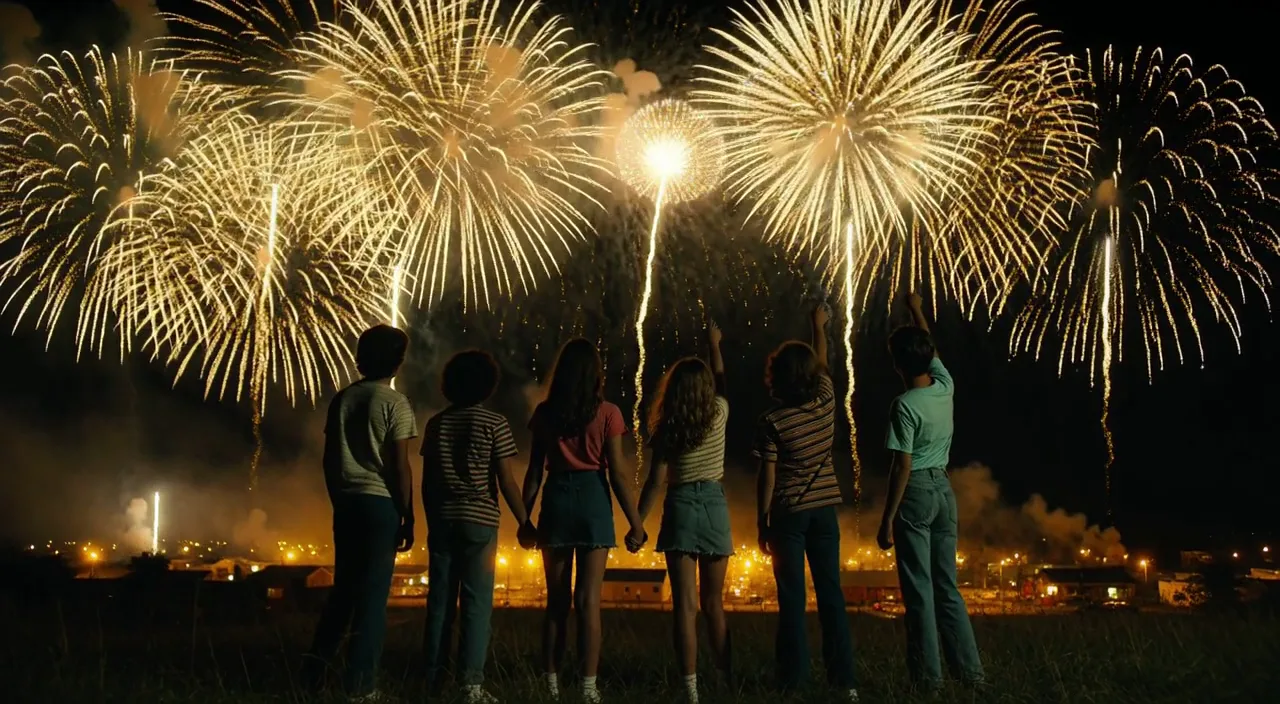
“Cinematic widescreen night shot, photoreal, 1980s small town summer, 35 mm anamorphic film look with soft grain. Six teenagers in retro 80s clothes, striped t-shirts, denim and sneakers, seen from behind and in side silhouette, stand on a dark grassy hill; two of them hold hands, one points up at the sky. Huge golden-yellow fireworks burst across the black sky and slowly rain down glittering gold sparks. Far below, a small town glows in warm yellow light under low golden smoke. Yellow and gold are the only accent colours, deep blue-black shadows, no red anywhere. Slow steady camera push-in towards the group, gentle wind in the grass, fireworks flashing light over their backs. Soft distant firework booms and crickets. No text, no logos, no titles.”
Car Edit
 Stock
Samurai gegen Drachen
 Clip
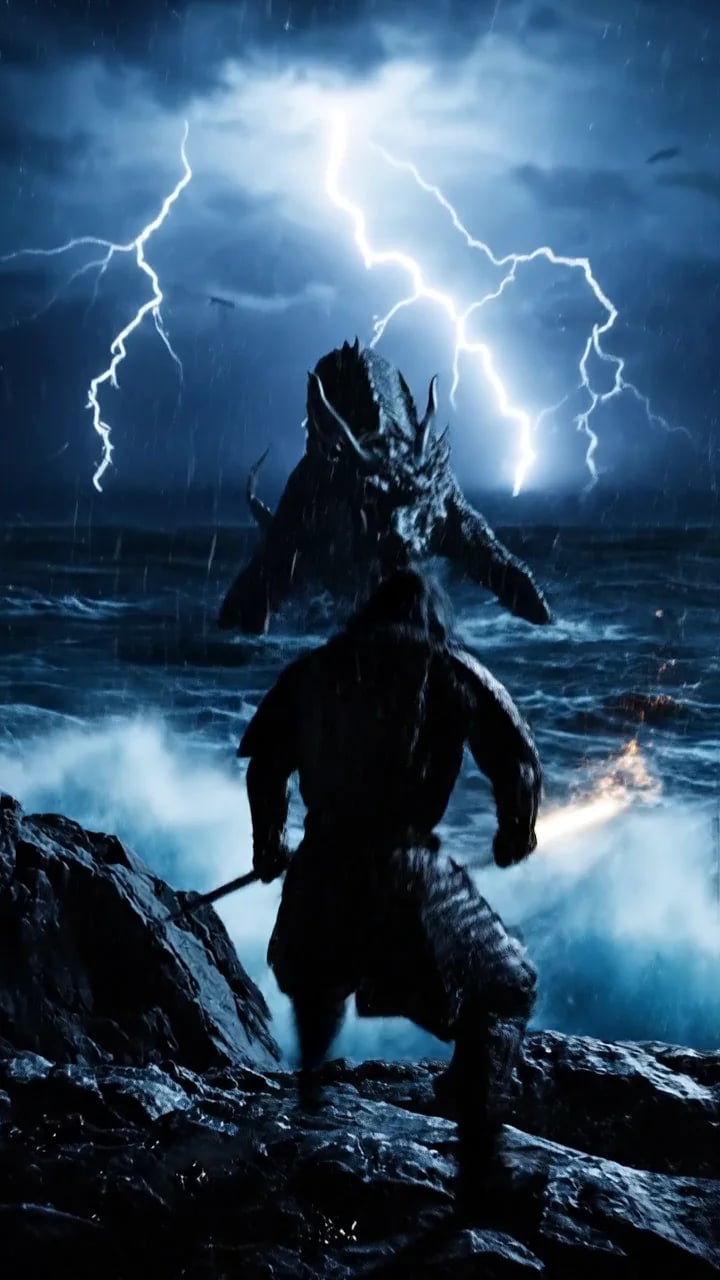
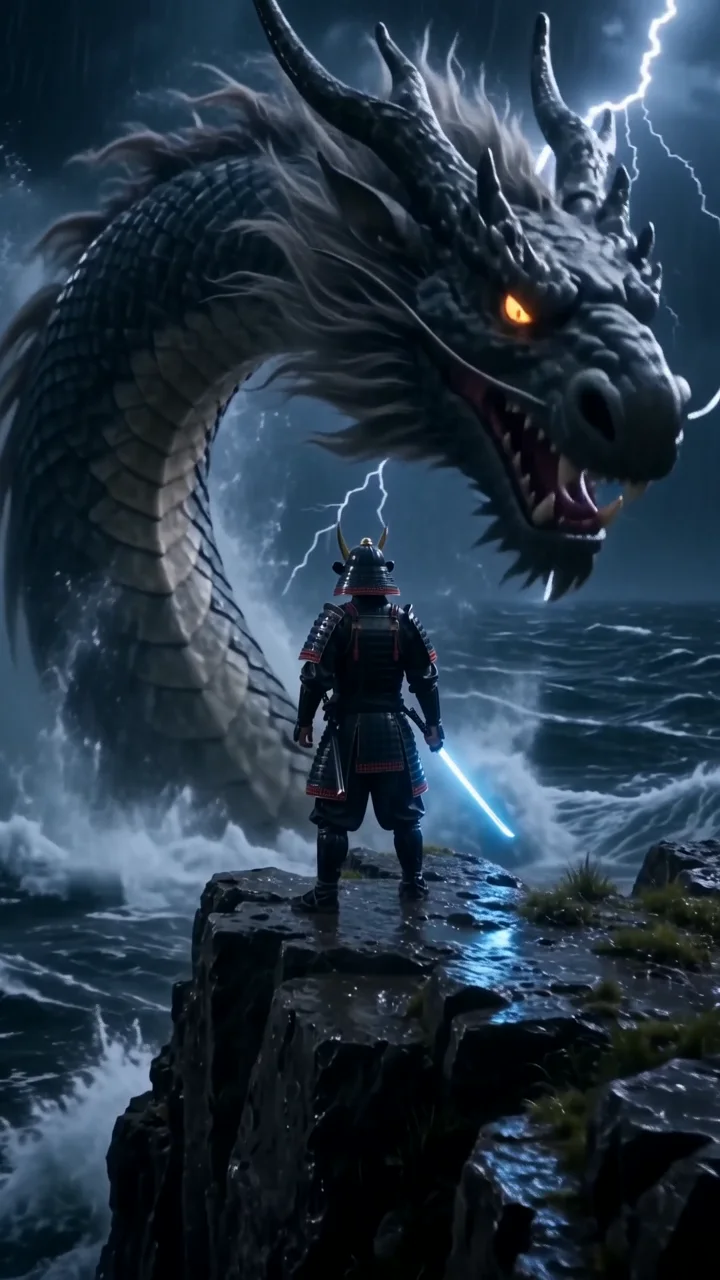
“Cinematic 35 mm film shot, vertical. A lone samurai in rain-soaked black armor stands on a storm-lashed cliff at night while a colossal ancient dragon rises out of the black ocean behind him, lightning tearing the sky apart and huge waves exploding against the rocks. The camera rushes forward and whips around him as he slowly draws a glowing katana, looks straight into the lens and shouts: "Not today." Deafening thunder, roaring waves, the dragon's low growl, rising orchestral percussion. Hyper-detailed, dramatic rim light. No text, no subtitles, no logos.”
Japan in 30 Sekunden
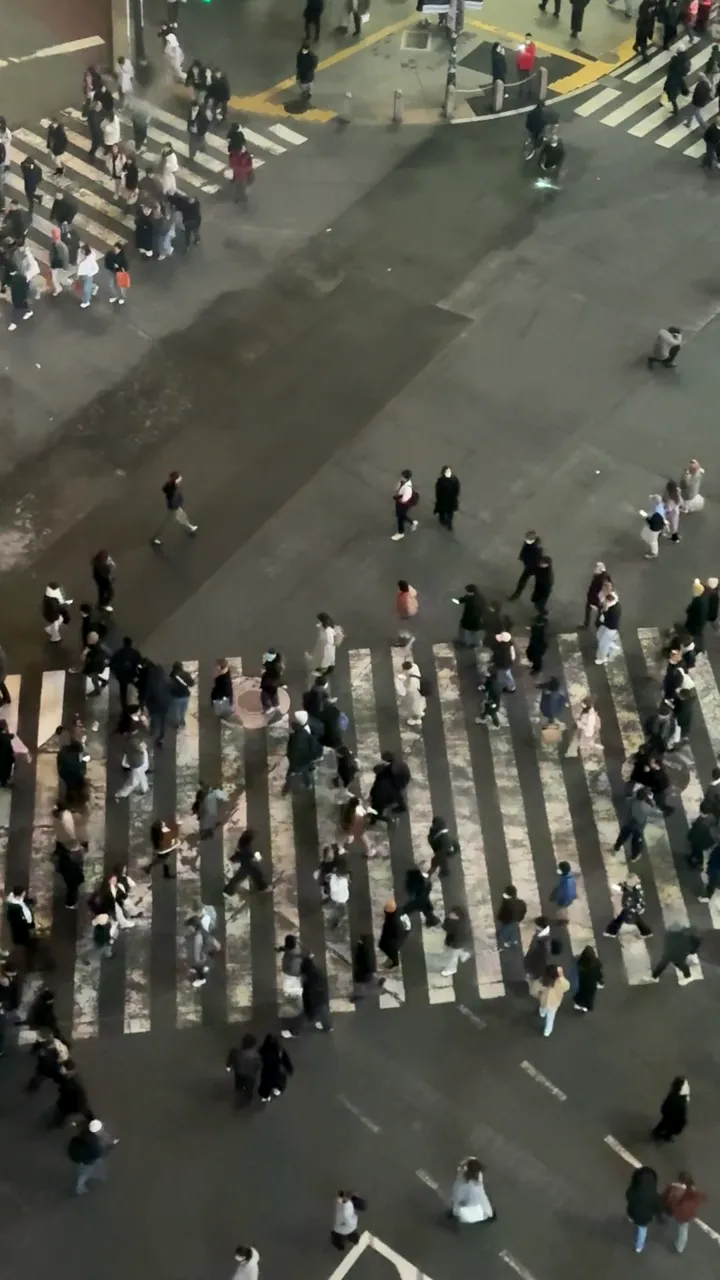 Stock
Samurai-Trailer
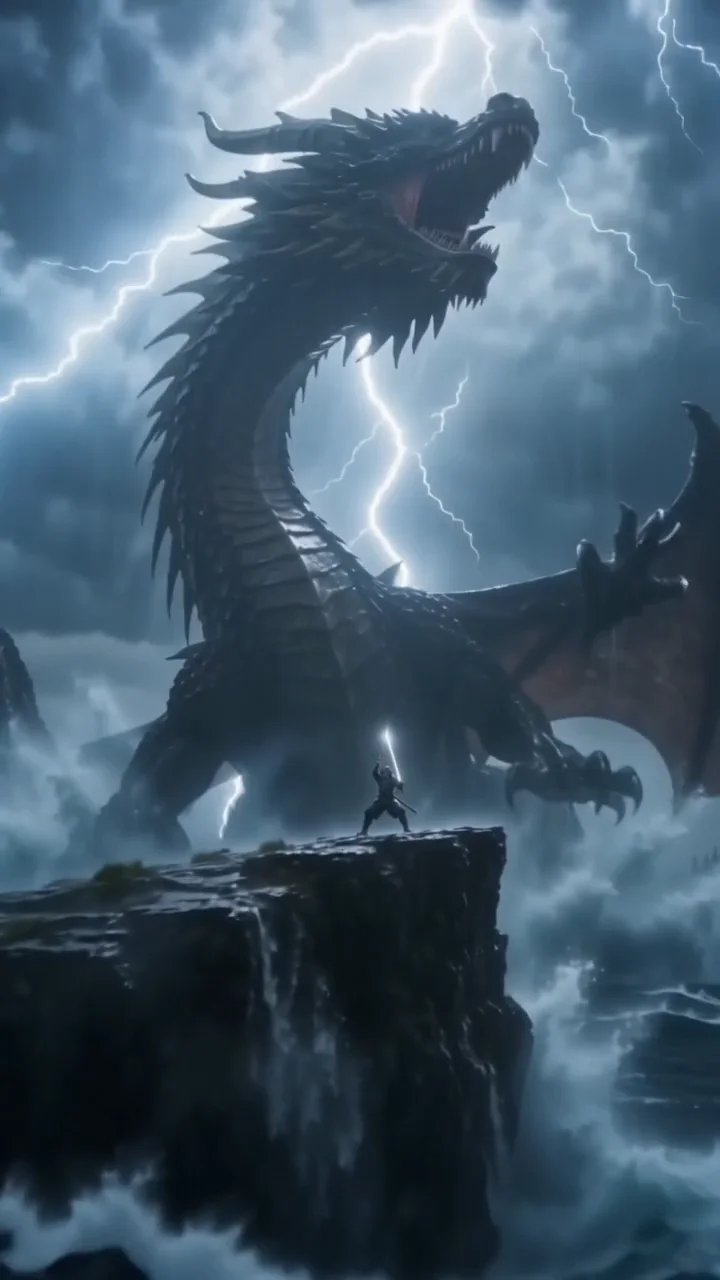 Clip
“Cinematic 35 mm film shot, vertical. A lone samurai in rain-soaked black armor stands on a storm-lashed cliff at night while a colossal ancient dragon rises out of the black ocean behind him, lightning tearing the sky apart and huge waves exploding against the rocks. The camera rushes forward and whips around him as he slowly draws a glowing katana, looks straight into the lens and shouts: "Not today." Deafening thunder, roaring waves, the dragon's low growl, rising orchestral percussion. Hyper-detailed, dramatic rim light. No text, no subtitles, no logos.”
Gym Edit
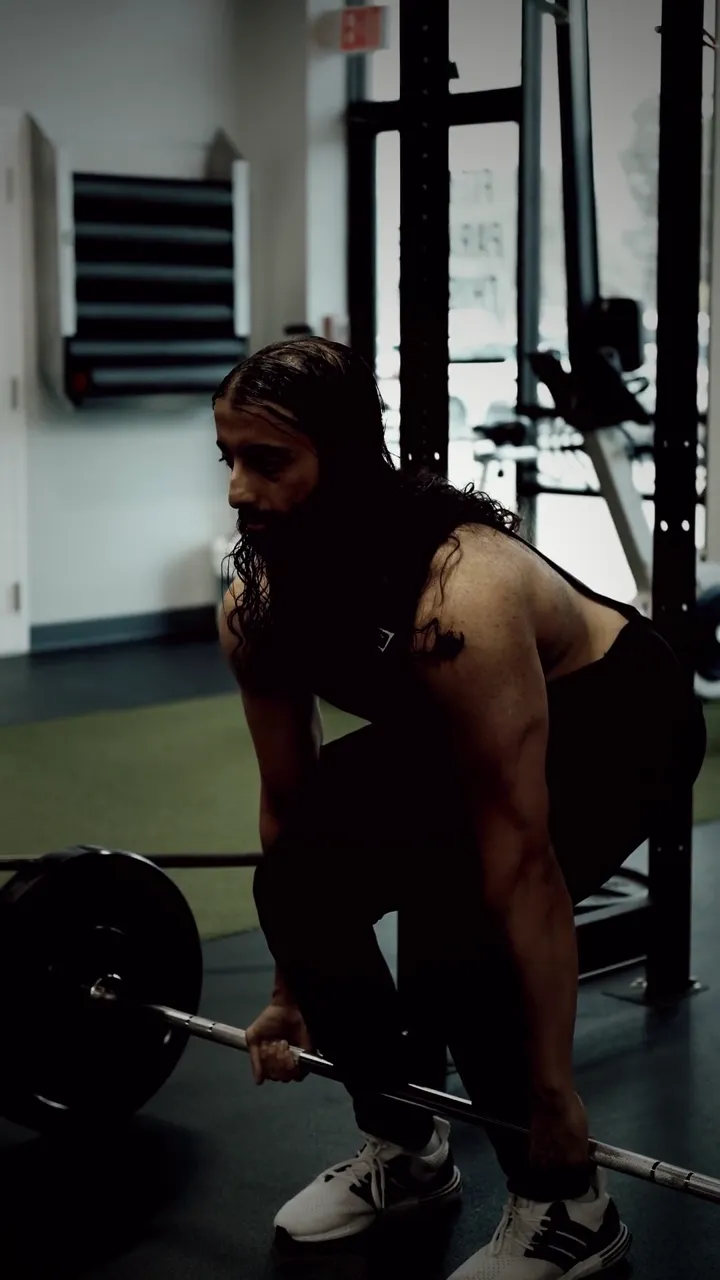 Stock
Muskel-Influencer tanzt
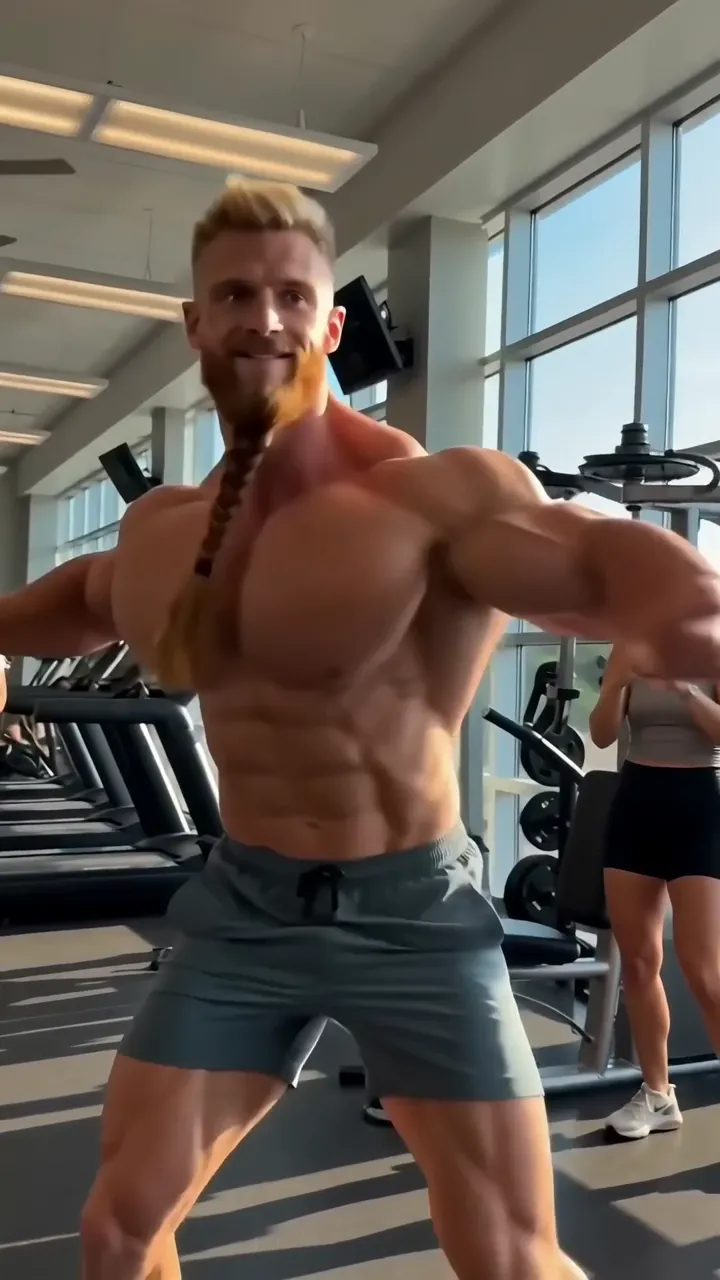 Clip
“Funny viral trend clip: an over-the-top fitness influencer with absurdly huge cartoonish muscles, a very long neck and a long braided beard dances with full confidence in a sunny gym, doing a goofy hip-hop dance with chest bounces and a spin, perfectly on the beat, gym members in the background laugh and film him on their phones. Photorealistic but exaggerated proportions, bright light, handheld phone camera that bounces along. Sound: a catchy upbeat hip-hop beat with a heavy bass drop, sneakers squeaking, people laughing. No text, no logos, unbranded clothes.”
Disziplin statt Motivation
 Stock
FAQ
Häufige Fragen
Brauche ich einen eigenen Google-Zugang?
Nein. mawu.ai bindet Veo 3.1 direkt ein, du zahlst mit deinen Credits.
Was macht Veo 3.1 besonders?
Bild und Ton entstehen zusammen: Geräusche, Musik und Stimmen beschreibst du einfach im Prompt.
Was ist der Unterschied zu Veo 3.1 Lite?
Veo 3.1 Lite ist die günstigere Stufe, ebenfalls mit Ton und in 720p, aber ohne Endbild.
Was kostet ein Clip mit Veo 3.1?
Der Preis richtet sich nach der Länge. Du siehst ihn auf dem Knopf, bevor du startest – berechnet wird nur ein fertiger Clip.
Kann ich eigene Bilder verwenden?
Ja, als Startbild oder als Start- und Endbild. Mit Startbild übernimmt der Clip dessen Format.
Darf ich die Clips kommerziell nutzen?
Ja, die Clips gehören dir und du kannst sie in deinen Videos, Ads und Posts verwenden.
Dein nächstes Video ist ein Satz entfernt.
Starte kostenlos – mit Start-Credits, allen Vorlagen und über 3.900 Elementen.